
Windows server 2016.
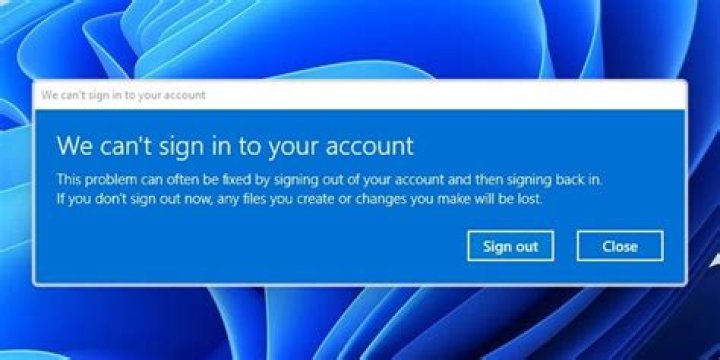
Old users (those, having profiles/folders created at "C:\Users") are able to remote into our server via RDP, but new users are not. Initially the error was The User Profile Service service failed the sign-in. User profile cannot be laoded.
Checking server, it seems "C:\Users\Default" has the only folder/entry "AppData", nothing more. I copied the file "NTUSER.DAT" from similar server "Default" folder. Also, folder permissions are identical.
Now new users are able to login, but it goes to a temporary profile and of course, user's profile at "C:\Users" does not get created.
Event logs does not tell much, basically just confirms login errors/notes we get:
Windows cannot find the local profile and is logging you on with a temporary profile. Changes you make to this profile will be lost when you log off.
Windows has backed up this user profile. Windows will automatically try to use the backup profile the next time this user logs on.
How this can be solved?
1 Answer
Open the registry editor and go to HKLM\SOFTWARE\Microsoft\Windows NT\CurrentVersion\ProfileList then find the key where the ProfileImagePath is the profile location of the user that's not being created. Export, then delete that registry key.