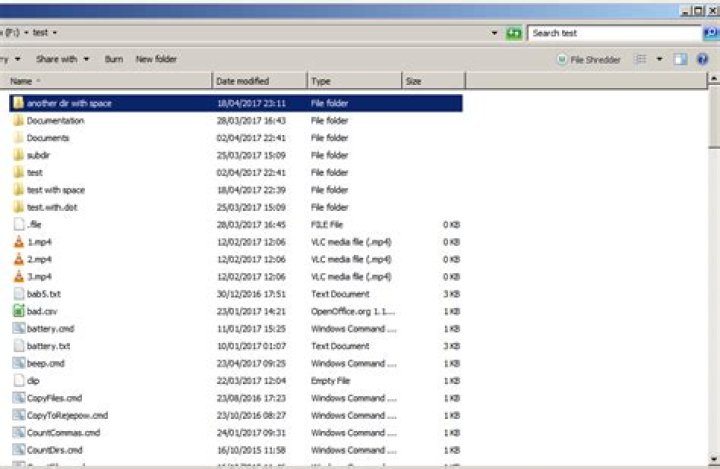
I'm hoping for the Windows Explorer equivalent to Linux's find . type -f.
I did *.* in the search field but it listed directories as well; I wanted just files.
Everything I've found on the subject is talking about finding specific file types, I just want files in general. That is, I want the resulting search listing to consist solely of files of any and all types, no directories/folders.
12 Answers
I want the resulting search listing to consist solely of files
Use *.* NOT kind:folder
Notes:
NOTmust be spelled with capital letters.Using a filter such as
.**or.?as specified in another answer doesn't work if the location isn't indexed.
Examples
No filter:

*.* NOT kind:folder filter:
Further Reading
2Short Answer: Use .** or .?
I figured this out by randomly trying things :). Just type in .**, and voila!
Edit #1: I just found out that .? works too
 I'm not really sure why this works, so if anyone figures it out please edit :)
Edit #2: I think it has something to do with how * matches tons of symbols, and ? just matches one letter or symbol. But, I'm surprised that .** matches test.c since it only has one character in the path.
"the question mark is used to substitute for one letter or symbol that you don't know. The asterisk is used to substitute for many letters and symbols" ()
I'm not really 100% sure why it works, so it might have some unexpected results. But, so far both work for all the files I have tested, including ones with a single character as an extension (test.c)
7



