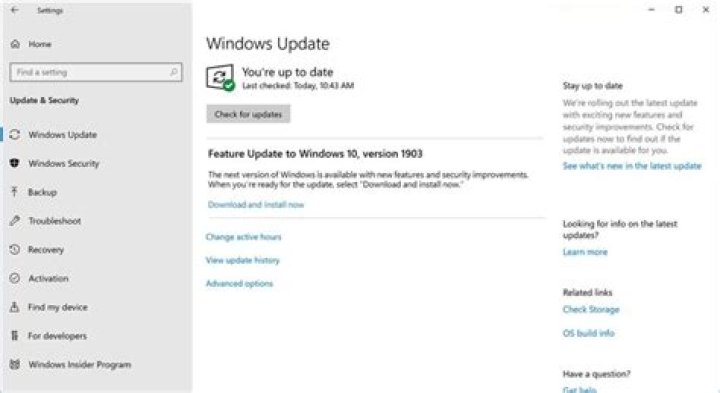
My Windows 10 LTSC 2019 installation can't seem to update Windows Defender definitions. Although there are countless discussions online about definition update failures, I've tried every solution I could find but none seem to make any difference. Here's what I've tried:
- To start, here's the error shown by Windows Update:

(KB2267602, Error 0x80070643). Note that all other Windows Updates have been successfully installed - Defender definitions is the only "pending update" it finds.
The Windows Update troubleshooter doesn't find any issues
Trying to update via command-line (administrator):
"C:\Program Files\Windows Defender\MPCMDRUN.exe" -RemoveDefinitions -All
"C:\Program Files\Windows Defender\MPCMDRUN.exe" -SignatureUpdate
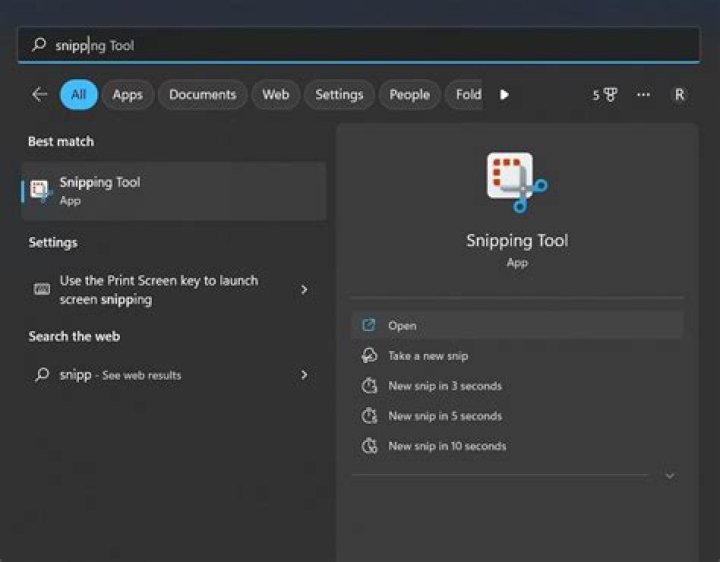
Yields error hr=80070643. screenshot:
... with MpCmdRun.log showing:
MpEnsureProcessMitigationPolicy: hr = 0x1 Start: MpSignatureUpdate() Calling MpUpdateStartEx with option 0x1 Update started Search Started (MU/WU update) (Path: )... Search Completed Download Started... Download Completed Download Completed Installation Started... Update failed with hr: 0x80070643 Installation Completed Update failed with hr: 0x80070643 Search Started (Direct HTTP) (Path: )... Download Started... Time Info - ?Tue ?Jul ?30 ?2019 13:41:58 Download Completed Installation Started... Update failed with hr: 0x80070005 Installation Completed Search Started (Direct HTTP) (Path: )... Installation Completed Update completed with hr: 0x80070643 ERROR: Signature Update failed with hr=80070643 Tried renaming SoftwareDistribution & CatRoot (per ). No change.
Trying to update from the Windows Security dialog:
, it just shows "Checking for updates..." but then no change (i.e. definitions date never gets updated).
Manually downloading & installing mpam-fe.exe from has no effect (no error or success message shown, Windows Security never shows the updated definitions)
sfc /scannow doesn't fix it
DISM /Online /Cleanup-Image /RestoreHealth doesn't fix it
I tried completely reinstalling Windows on top of my current installation, but the behavior is the same
Windows Defender itself is functional (i.e. I can do a Quick scan, and it completes) - it's only the ability to update that's broken.
I don't have any other antivirus/antispyware software installed
I used msconfig to reboot with Selective Startup, all non-Microsoft services disabled. Still failed to update, showing this error:
The PC is not connected to an AD domain.
I tried installing a fresh copy of Windows from the same installation media in a VM, then updating the definitions (to verify that the issue isn't i.e. Microsoft posting a corrupt definitions installer). I also fully updated this VM via Windows Update, removed the definitions with mpcmdrun.exe per above, & updated them again. This worked, confirming that it's not an issue of Microsoft posting a corrupt update file.
At this point I'm at a loss, as I've spent nearly 7 hours going through HowTos, KBs, & forum threads - all of which either suggest some combination of the fixes I've already tried or stop at a dead-end.
Any help would be greatly appreciated.
6 Reset to default



