I'm on Windows 11 and when I alt tab between two windows I have an undesirable behaviour which is the following: 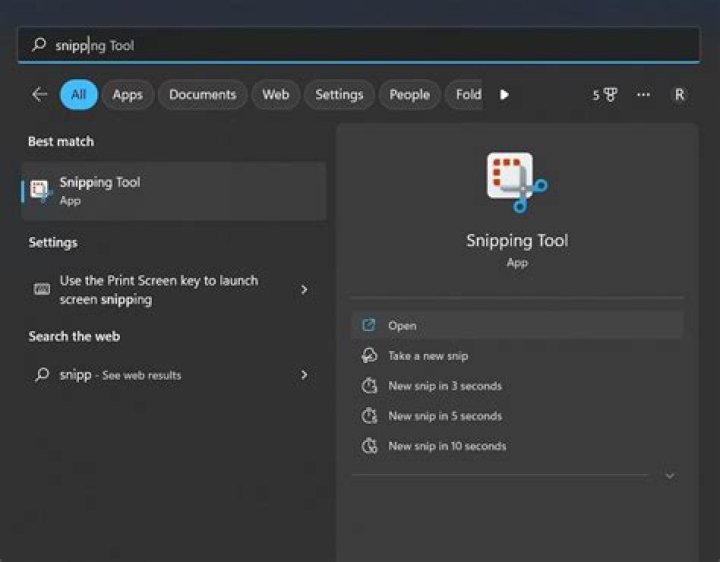
As you can see on top (this is after I changed between windows), you have the same behaviour as if i had pressed alt on its own. Which means if i wanna start typing it just randomly selects an option on top.
The same happens in Word, in outlook and in Chrome. The only annoying one is Word because for the others I just don't type straight after alt tabbing so it doesn't really matter that much.
I've searched and searched and searched for an answer but I seem to be the only one with this problem. Have I done something wrong? The laptop is pretty new, I don't think I have installed any weird stuff on it.
I have also tried this: Application Remembers that Alt Key Was Pressed after Alt+Tab Away but this doesn't work sadly
41 Answer
Similar issue discussed here
Method 1
Try turning off ALL apps that register global keyboard hotkeys.
In my case, turning off Powertoys and QuickLook solved the "Sticky Alt" issue.
Method 2
You can also try ExplorerPatch. After installing it, set the alt-tab switcher back to "Windows 10" mode.
1



