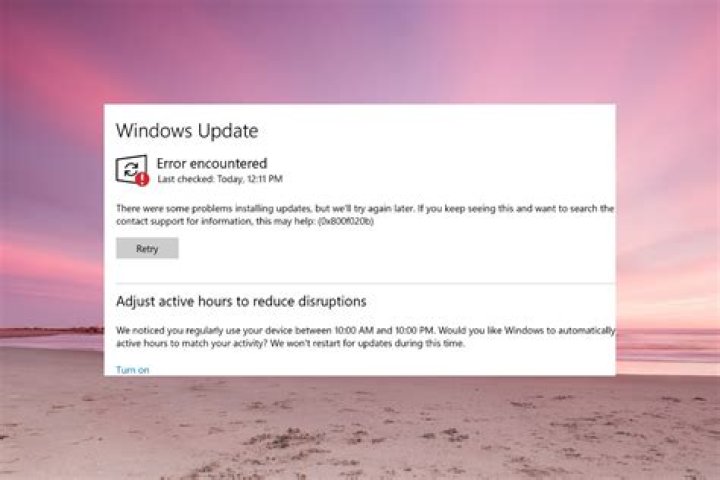
It's been at least one year since my Windows 10 computer always goes on error while manually trying to download new Windows Updates:

Trying again ("Riprova") doesn't work. I searched the web but I cannot find a real cause for the error 0x80d05011. I also tried to manually download some updates from , but with no luck.
Any suggestion?
My device specs:
Nome dispositivo xxxx Nome completo del dispositivo xxxx.yyyyyyy.LOCAL Processore Intel(R) Core(TM) i7-7567U CPU @ 3.50GHz 3.50 GHz RAM installata 32,0 GB (31,9 GB utilizzabile) ID dispositivo EF3E3136-E281-4A50-xxxx-82DBB906EF33 ID prodotto 00330-xxxx8-94943-xxxxM Tipo sistema Sistema operativo a 64 bit, processore basato su x64 Penna e tocco Nessun input penna o tocco disponibile per questo schermo My Windows' specs:
Edizione Windows 10 Pro Versione 21H2 Data installazione: 11/06/2020 Build sistema operativo 19044.1415 Esperienza Windows Feature Experience Pack 120.2212.3920.0 1 Answer
It's been at least one year since my Windows 10 computer always goes on error while manually trying to download new Windows Updates:
A year is too long to try small recent ideas.
At this point, you need to do a Windows 10 Repair Install.
Windows 10 is running, so click on the Download button (not Upgrade Button) and select Run.
Use the option to Keep Everything to begin with. That will usually (but not always) work.
See if Keep Everything works for you.
The remaining two options (Keep only Data and then Keep Nothing) are much more aggressive.
1



