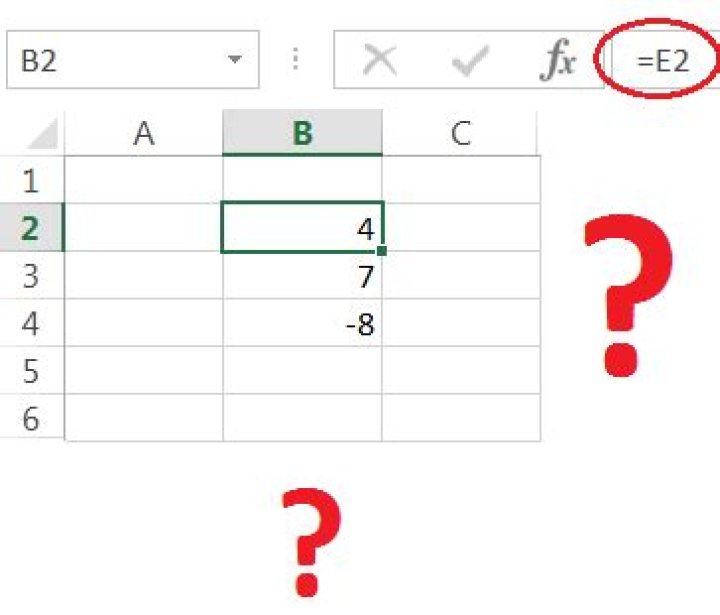
I have been given an Excel file that I need to modify. One of the sheets only has a few rows and columns visible for the user as a dashboard and most of the logic is in the cells that just... aren't there. The visible cells reference cells that aren't there and I'm not sure how to view the missing cells.
I'm used to hidden cells but I've been able to unhide them by selecting columns on either side of the hidden columns and unhiding them with the right-click -> unhide menu I am used to.
Why can't I see these cells, and what do I need to do to see them in Excel?
1 Answer
The sheet has every column to the right of the 'dashboard' hidden. Normally you unhide a column by selecting a range of columns that includes the hidden columns and using the right-click -> unhide menu, but in this case there are no columns to the right of the range for you to select.
Select all of the columns to the end of the sheet by clicking on the rightmost visible column header and dragging to the right. If you don't drag to the right, you won't have selected the hidden columns and won't be able to unhide them.
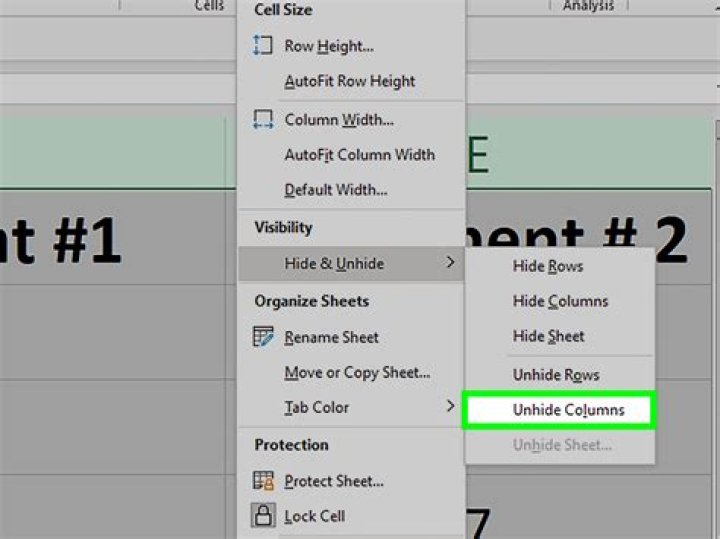
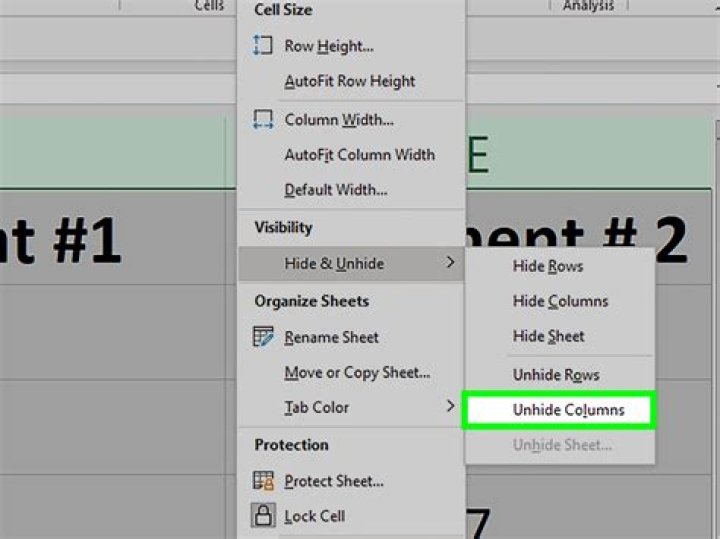
Once you have selected the hidden columns, you can unhide them through the right-click -> unhide menu.
Here the hidden columns have not been selected. The selection shading stops at the end of the "C" column and the dimension text box says your selection is only 2 columns wide.
Here the hidden columns have been selected. The selection shading includes a little strip of a symbolic further column and the dimension text box says your selection is much wider than what you selected.




