
sudo easy_install pip
Searching for pip Best match: pip 1.4.1 Processing pip-1.4.1-py2.7.egg pip 1.4.1 is already the active version in easy-install.pth Installing pip script to /home/nyzlfc/.local/bin Installing pip-2.7 script to /home/nyzlfc/.local/bin Using /home/nyzlfc/.local/lib/python2.7/site-packages/pip-1.4.1-py2.7.egg Processing dependencies for pip Finished processing dependencies for pip And then when I run
sudo pip install -U pyyaml nltk I get:
sudo: pip: command not found 9 Answers
If you install pip from the Ubuntu repositories pip will work with sudo (I have used pip this way on 12.04 through to 14.04).
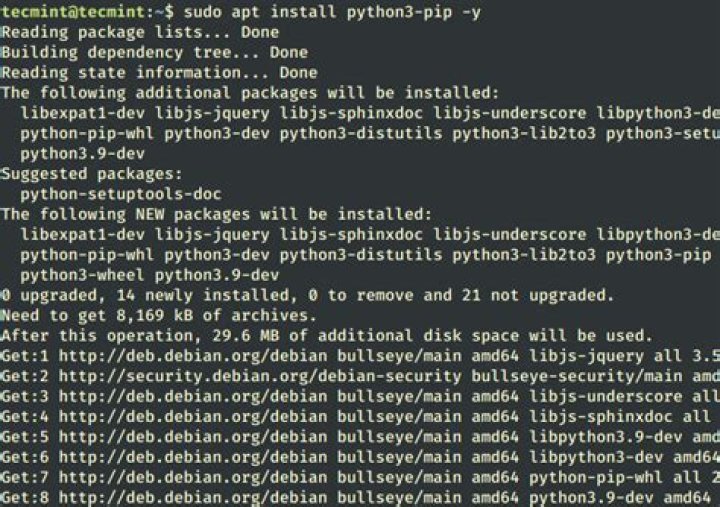
sudo apt-get install python-pip Your pip is installed in /home/nyzlfc/.local/bin, which is not in the sudo path and with a good reason. Just add ~/.local/bin to your path and step away of sudo as it's unnecessary.
I had the same problem, and the reason I had this problem (on Debian) is that I installed python3.2 and python3-pip and as such, I really didn't have a pip executable, I also didn't have a pip3 executable. I have pip-3.2 executable.
As such I would also recommend doing:
sudo pip and then pressing the tab to see the autocomplete options.
2First check your $PATH variable using the echo command:
$ echo $PATH If /usr/local/bin is missing, edit the hidden file .profile, located in your home directory. If this file is missing, edit .bash_profile instead.
Add as very last PATH statement the following line:
PATH=$PATH:/usr/local/bin I always forgetting it myself!
- I installed pip into
~/.local/bin - when doing a
pip install package, I get aPermissionDeniedsomewhere in/usr/local/share/, with the friendly solutionConsider using the '--user' option or check the permissions.
Hence, do: pip install --user package (unless you need this package globally/for other users as well)
I had the same problem (also trying to install yaml) and
sudo pip3 install yaml worked for me!
Instead of doing pip install <package name>
Try pip3 install <package name>
If you don't like to install new package (to make sure it doesn't mess with your current python environment), I suggest switching to root just for installation. I found it easier. But don't forget to switch back, right after you finished installation.
if you have installed in python3 then you can do is python3 -m pip install package_name