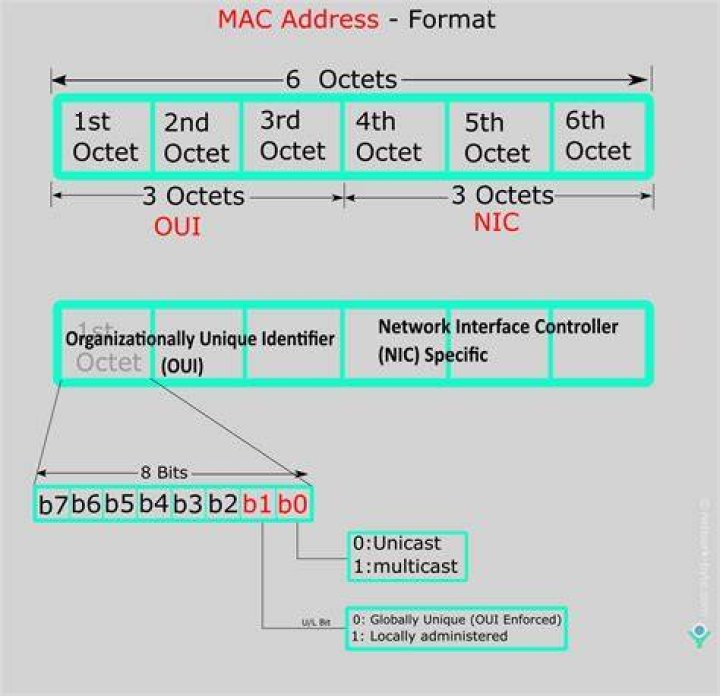
I have three computers all wired into my router. The box I'm posting this from is running Ubuntu 11.10, and another machine is running Xubuntu 11.10 Both connected automatically when the ethernet cable was plugged in. However, my wife's computer, running Ubuntu 10.10, cannot connect to the eth0 connection. I checked the connection's properties and the MAC address is all zeroes! How do I determine what numbers to plug into the MAC Address field?
42 Answers
Try this from a terminal:
ifconfig Your MAC address is the one after HWaddr. If it is 00:00:00:00:00:00 I think something is wrong with either the hardware or the driver.
If you somehow erased your MAC-address from the network settings you can get it back by writing this in the terminal:
sudo lshw > lshw.txtwrite password when prompted for it
this takes approximately 20 seconds.
gedit lshw.txt
Now you are looking at a list of all your hardware. But we only want the networking specs. Do a search for "network". A couple of lines under that line, there should be a line like this:
serial: 01:21:ee:de:01:11 Only your numbers will be different. This is the MAC-address. Copy that address, and paste it into the network settings. Then you should have restored your original MAC-address.
2First, open 'System settings'. Then select 'Network', and then you will be able to get it by copying what is after 'Hardware address'. Hope it helped you.