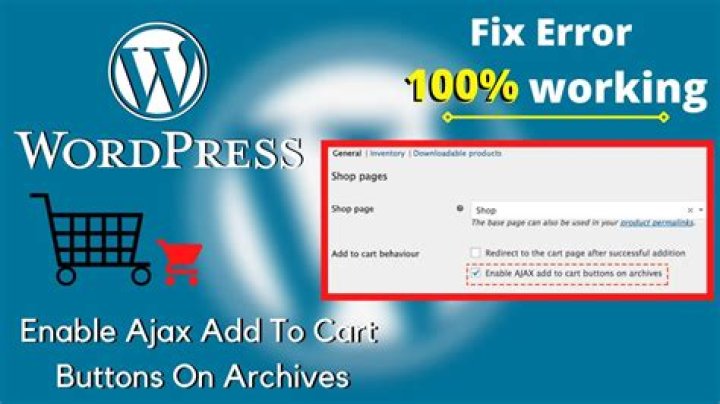

What is the "Enable AJAX add to cart buttons on archives" checkbox on the WooCommerce > Display > Products > Add to Cart Behavior section of the WP admin area for?
32 Answers
Answer: This button, in effect, selects the redirect behavior of the "add to cart" button in a woocommerce product archives pages (like the shop page). After the item is added to the cart it then either stays on the shop page, or redirects to the cart, depending on whether the button is checked or unchecked (respectfully).
More precisely, it uses a button that utilizes an AJAX call to a function that adds the product to the cart without leaving or reloading the page (thus other functionality could stem from the call.)
1I have no idea what you people here are talking. In my case, in every woocommerce project I done, this checkbox does what it says... when I check it, it enables functionality that adds products to cart without refreshing the page. It works like smooth. Maybe you can check for other javascript errors, coz single javascript error disrupts the whole js on that page. And ofcourse, it doesn't work for variable products we know why.
After adding via ajax, I was also able show cart count via ajax like this.. How to ajaxify cart items and total




