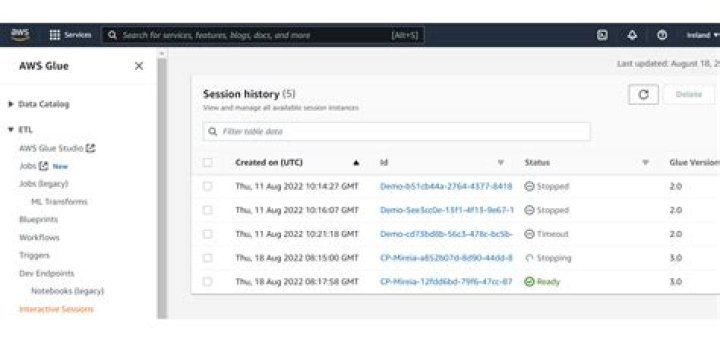

Using just one account, I should manage three statements dev, qa, prod. The project needs to use AWS Glue Notebooks (ipynb). But I can't modify job details in AWS Glue Notebooks UI.
They says, "JobConfig fields are controlled by notebook configuration magics. If you want to change any of these fields use the appropiate %magic in your notebook."
So, I tried to modify some properties like "Requested number of workers" and "Maximum concurrency" as below
%%configure { "number_of_workers": 6, "max_concurrent_runs": 6 } I checked the modified values, But I can't find how to modify "Script Path", "temporary path" and "Script filename". There is no reference to modify those...
First of all, is it possible to modify it?
If it is, what are the keys for script path and script filename in magic configuration?
1 Answer
Just add code block for glue job configuration as below
%%configure { "script_location": "s3://S3-ASSETS_NAME/scripts/", "--TempDir": "s3://S3-ASSETS_NAME/temporary/" } 



