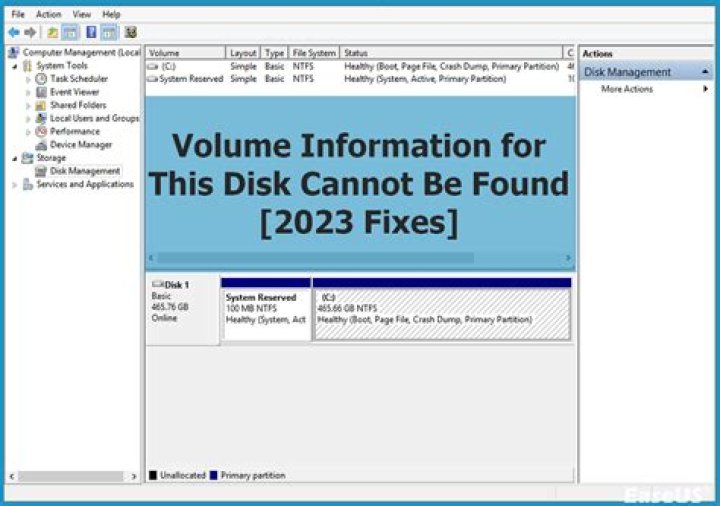
I have Seagate external hard disk and a Windows 10 PC. The external hard disk uses to work well. And the disk contains data and is almost full. But today when I plug in the external hard disk the drive light will light up but it will not show inside the My Computer:
Also when I access the disk from the Device Manager I can see the disk and it is working well, as follow:
But when I access the volume tab I will not get any info. And when I click on Populate, I get this error message:
I tired another USB 3.0 cable and another PC and face the same issue.
I do not think the disk is broken, as when I plug it in the PC, the disk will light up and a sound from Windows will be played mentioning that a device was plugged in (similar sound when you plug a mouse or a keyboard)
Any advice, how I can fix this issue?
UPDATE: I tried opening diskmg, but i got this dialog:-
And if i click on cancel i will get this settings:
EDIT I installed 64-bit of the on my windows 10 >> i run the application >> select the external disk >> click on enter >> but for more than 1 hour, this screen has no progress:-

Any advice on this please? Thanks
83 Answers
Look at disk formatting in Windows Disk Management:
- Press Windows and type diskmg.
- Select diskmgmt.msc.
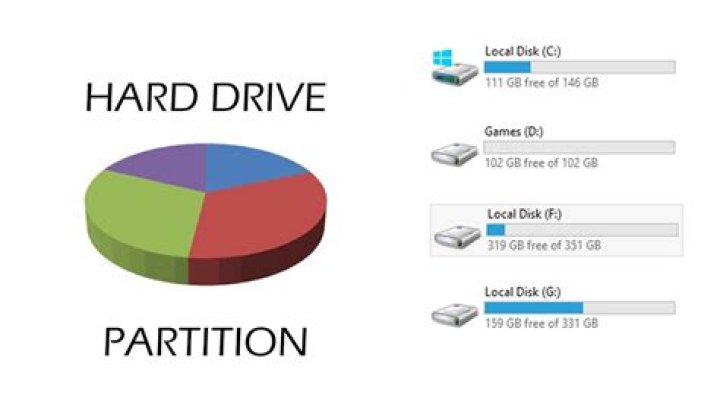
In the example above, the physical hard disk drive, Disk 0, has seven separate partitions, and all of them show as healthy. Windows Disk Management is not very informative, and only recognizes the Windows C: partition formatted as NTFS; if you want additional information, try a tool such as free DiskGenius, which displays the FAT32, MSR, ext4 and other file systems on that disk, or an alternative.
My guess is that one or more partitions are damaged. If you have data on the disk, it might be possible to recover it... or not.
Try making a disk image in a tool such as free Macrium Reflect or an alternative. If that works, you can try salvaging the data from the image, without destroying that on the disk. If it doesn't work, then likely the disk is badly damaged, and you'd need a (costly) data recovery service to have a chance of recovering anything.
BTW, the most common cause of a corrupted volume is unplugging the HDD without first ejecting it.
6test test,
please follow the advice of @JW0914. Yes, he recommended you to use Testdisk - read his comments!
Recovering the partition table is like recovering the table of contents in a book. If you just have one partition on your broken drive Testdisk won't do any harm when writing.
The only exception is when you have a couple of partitions and were using the MBR style partition table. This table isn't like the table of contents in a book, it uses sub tables. If your disk had been partioned using the MBR scheme then those sub-tables resides between the single partitions. To recover such a table, Testdisk will have to write between the partitions. If you indicate faulty, invalid partitions (not readable using the p-key) to Testdisk, Testdisk might write those sub-tables right into a partition instead in between. The maximum dammage done is one sector (one sub-table) per faulty partition. But this does not seem to be your case.
2Response to your comment:
ok will try to use Testdisk, but seems it is a free tool,, so is there any guarantee that this tool will not send or share the data from my external hard disk? as the external hard disk contain pics of my ID, passport and other confidential data.. thanks –
There is no guarantee.
But as Testdisk is not just free but even open source software you can check the source code and compile the program yourself - similar to what you can do with Truecrypt and Veracrypt.
4



