
I am unable to install Vim and need help. I've tried the following:
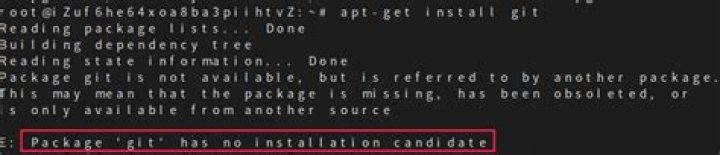
root@cbitlab1:/home/cbitlib1# sudo -s root@cbitlab1:/home/cbitlib1# apt-get install vim Reading package lists… Done Building dependency tree Reading state information… Done Package vim is not available, but is referred to by another package. This may mean that the package is missing, has been obsoleted, or is only available from another source E: Package ‘vim’ has no installation candidate How do I fix this - I'm on 14.04.
2 Answers
To make sure you have the latest sources.list
sudo apt-get update then run:
sudo apt-get install vim Vim is pre-installed in Linux based OS. For Ubuntu its minimal version is pre-installed.
vim.tiny You can create alias to run it as vim
alias vim=vim.tiny To make that alias permanent,
gedit ~/.bashrc Add alias vim=vim.tiny line in .bashrc file.
For more see here: How do I create a permanent Bash alias?