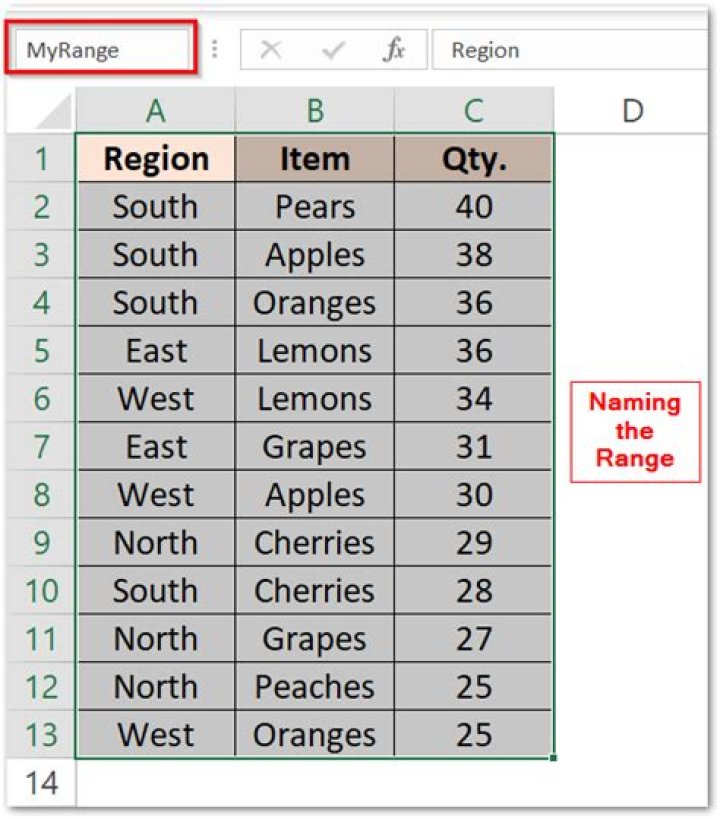
I have a table that can contain any number of rows:

As I said it can contain 1 or ∞ rows.
I want to sort range A3:D∞ by the Date cell that is in column B.
How can I do it?
The problem is that I don't know how to select from A3 to the last row.
I think that looping to the last row is not a correct method.
I have got this so far it sorts looks like correct, but the range is hard-coded.
How do I get rid of the hard-coding of the range?
Range("A3:D8").Sort key1:=Range("B3:B8"), _ order1:=xlAscending, Header:=xlNo 3 Answers
Try this code:
Dim lastrow As Long lastrow = Cells(Rows.Count, 2).End(xlUp).Row Range("A3:D" & lastrow).Sort key1:=Range("B3:B" & lastrow), _ order1:=xlAscending, Header:=xlNo Or this:
Range("A2", Range("D" & Rows.Count).End(xlUp).Address).Sort Key1:=[b3], _ Order1:=xlAscending, Header:=xlYes If the starting cell of the range and of the key is static, the solution can be very simple:
Range("A3").Select Range(Selection, Selection.End(xlToRight)).Select Range(Selection, Selection.End(xlDown)).Select Selection.Sort key1:=Range("B3", Range("B3").End(xlDown)), _ order1:=xlAscending, Header:=xlNo 



