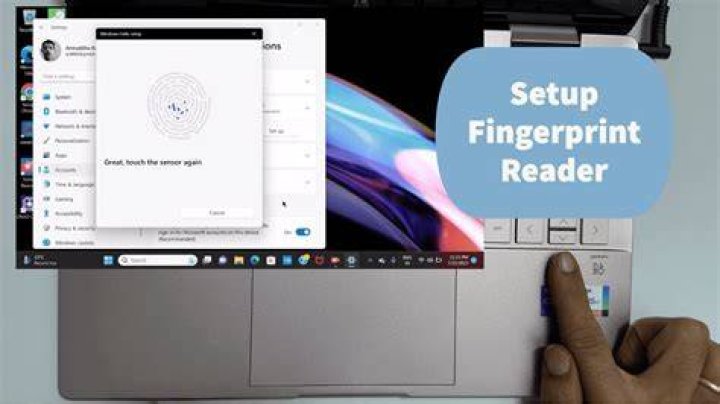

I have a Dell laptop with fingerprint reader inbuilt. I just ran lsusb on terminal and got the following result:
Bus 002 Device 003: ID 138a:0011 Validity Sensors, Inc. VFS5011 Fingerprint Reader Bus 002 Device 002: ID 8087:0024 Intel Corp. Integrated Rate Matching Hub Bus 002 Device 001: ID 1d6b:0002 Linux Foundation 2.0 root hub Bus 004 Device 001: ID 1d6b:0003 Linux Foundation 3.0 root hub Bus 003 Device 002: ID 046d:c077 Logitech, Inc. M105 Optical Mouse Bus 003 Device 001: ID 1d6b:0002 Linux Foundation 2.0 root hub Bus 001 Device 004: ID 05ca:1820 Ricoh Co., Ltd Integrated Webcam Bus 001 Device 003: ID 0a5c:21bc Broadcom Corp. BCM2070 Bluetooth 2.1 + EDR Bus 001 Device 002: ID 8087:0024 Intel Corp. Integrated Rate Matching Hub Bus 001 Device 001: ID 1d6b:0002 Linux Foundation 2.0 root hub Is it possible to use fingerprint scanning instead of traditional login with 16.04 and Unity ? Thanks.
2 Answers
You need the fingerprint-gui package, its installation is described at Fingerprint GUI launchpad page and reproduced below:
Add PP and install
fingerprint-guiand other required packagessudo add-apt-repository ppa:fingerprint/fingerprint-gui sudo apt update sudo apt install libbsapi policykit-1-fingerprint-gui fingerprint-guiLog out of your session and log back in.
- Launch “Fingerprint GUI” and enrol your fingerprints.
Please note: I've used fingerprint readers on various laptops before, they are not very reliable so make sure you don't configure it to be the only source of authentication. It's best to add it on top of passwords as well or you may get locked out at some point.
8For fingerprint reader 138a:003f VFS 495 this was not sufficient. Many other things had to be installed in certain ways. Refer to this for a full guide.
Working on 16.04 on HP Probook 450
2