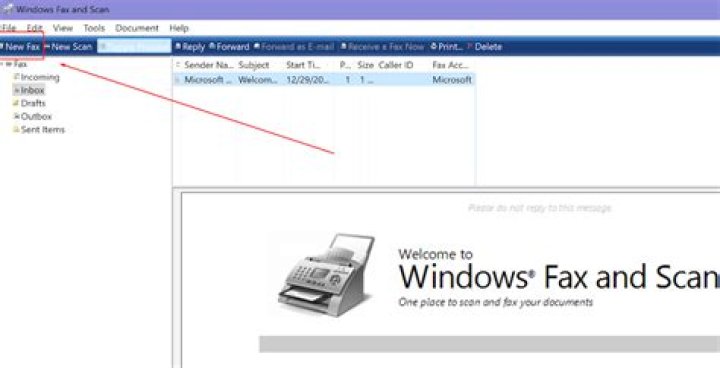

When using Windows 10's native "Fax and Scan" app to create a PDF by using "print to pdf" feature, PDF documents are always rotated 90 degrees. While there are many ways to re-rotate the document, they all require an extra application and a laborious extra step. Is there any way to use the native Fax and Scan application to create a properly aligned PDF in one shot?
1 Answer
At the "Print Pictures" window, select "Options..." in the lower right corner. Then click "Printer Properties" and change the orientation from landscape to portrait. This fixed the problem for me! Hope this helps.




