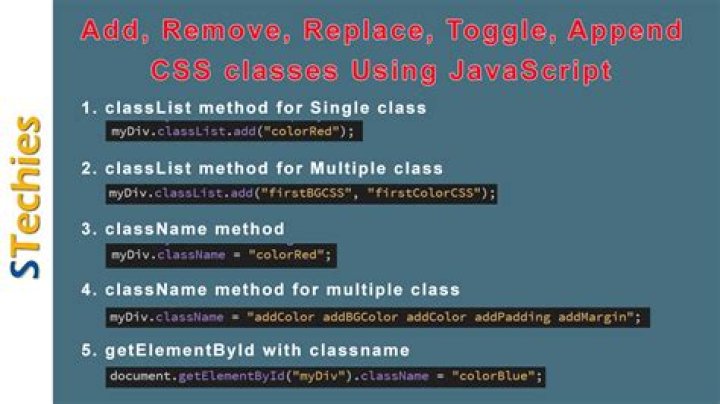

I have looked through a number of similar questions but can not find a specific example of one that answers in vanilla JS how to add and remove a class to a different element from the one clicked on. I know it has something to do with setting up a loop and iterating through the elements, but I got lost in the exact process.
I have a number of elements with a class name of faq-container and when I click on any of them, I would like the class faq-display added to the body tag. I know I have to set up a loop like for (var i = 0; i < elements.length; i++) { elements[i].classList.remove('hover'); } but I am unsure as to exactly where to write it in the code to make this work. I have tried a number of ways but all fail.
My current script is as follows, where I simply target the first element in the array, but I want to be able to click on any of the faq-container elements and add the class name to the first and only body tag:
document.addEventListener("DOMContentLoaded", function() { document.getElementsByClassName('faq-container')[0].addEventListener('click', function() { var faqToggle = document.getElementsByTagName('body')[0]; if (faqToggle.classList.contains('faq-display')) { faqToggle.classList.remove('faq-display'); // alert("remove faq display!"); } else { faqToggle.classList.add('faq-display'); // alert("add faq display!"); } }); });<div> <h3 <?=ifxless::element( 'name')?>><?=ifxless::fill($this,'name');?> </h3> <div> <div> </div> <div <?=ifxless::element( 'content')?>> <?=ifxless::fill($this, 'content');?> </div> </div> </div>2 Answers
document.addEventListener("DOMContentLoaded", function() { var faqContainers = document.getElementsByClassName('faq-container'); var faqToggle = document.getElementsByTagName('body')[0]; for (var i = 0; i < faqContainers.length; i++) { faqContainers[i].addEventListener('click', function() { if (faqToggle.classList.contains('faq-display')) { faqToggle.classList.remove('faq-display'); // alert("remove faq display!"); } else { faqToggle.classList.add('faq-display'); // alert("add faq display!"); } }); } }); You need to loop:
[...document.querySelectorAll('.faq-container')] // spread is compatible with older EDGE .forEach(faq => faq.addEventListener('click', () => document.querySelector('body').classList.toggle('faq-display'))) NOTE: if you have MANY of these divs, you are better off having one event handler for a parent and test what was clicked.
document.getElementById('faqContainerParent') .addEventListener('click', e => { const tgt = e.target; if (tgt.matches(".faq-container") || tgt.closest("div.faq-container")) { // is it the faq-container or one of the descendants document.querySelector('body').classList.toggle('faq-display') } }); 



