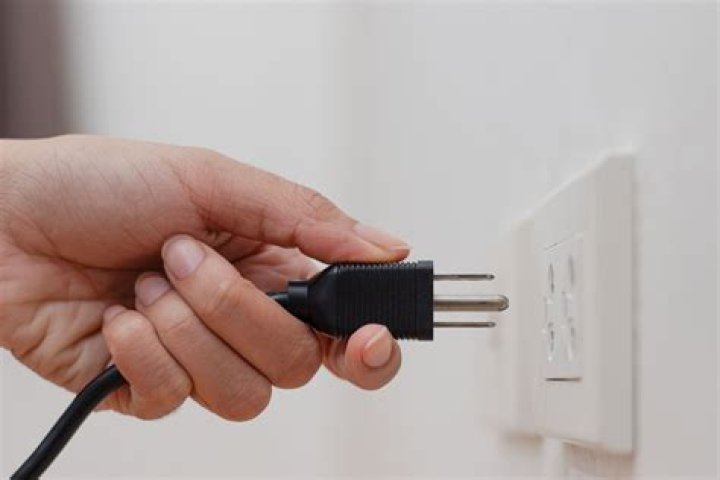

Okay so I attempted to fix a Windows 10 usb problem by following a month old forum. The instructions were:
- Unplug the power cord from desktop computer.
- Hold in the on/off button for approx. 10 seconds until the light goes off. This kills the reserve power.
- Unplug all of your USB cords from the back of your machine as well as any flash drive or any other USB device that is plugged into your computer.
- Insert the power plug back into your computer and power it up. Allow it to completely load everything that it needs to before you do anything else.
- Now start plugging your USB devices back into your computer one at a time while waiting for them to indicate that they are recognized. Do this with each one of your devices until all have been recognized.
- Now right/click on computer or This PC and choose Manage / Device Manager /USB Serial Controllers and check to see if any of them have the yellow tag. They should not have if the problem is corrected.
Unfortunately I only got to Step 4, when I press the power button nothing turns on. So now I'm at a complete loss. The only thing that seems to turn on though, would be the lights to my led keyboard when I plug it in. Anyways, how do I fix/turn on my PC again?
52 Answers
It could be that your power supply died when you unplugged it (not saying it was because you pulled the cord but it also could be because of that). Try testing the power supply in the computer to make sure it works. If it fails the test then you need a new power supply.
Go to to find how to test the power supply if you are hardware savvy or take it to somebody that can help you.
HP Pavilion p6130y Desktop PC wouldn't turn on the normal way with the power button pressed for some time. But this procedure will power it on:
- unplug the power cable from the back of power supply;
- wait for ~ 10 seconds;
- while holding down the power button, plug power cable back into power supply and then release the power button within 1 sec. or so.
Thanks




