
I didn't manually install chromium. It just ended up there one day. I have been trying to uninstall the program for so long but I can't find it under apps and features or task manager or programs list. How am I supposed to uninstall something clearly infecting my computer when I can't even find it anywhere. PLEASE HELP.
12 Answers
If you can't find it, but you know it's there, then it must be running (automatically on startup ? )
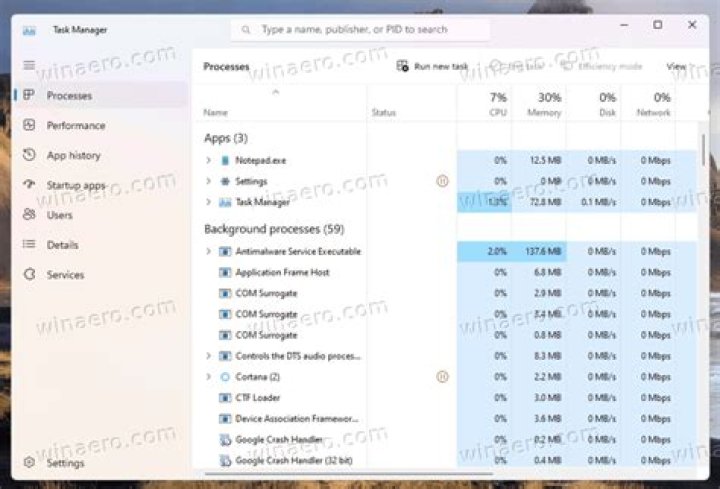
Using Windows Task Manager or Process Explorer, what are the full commandlines of the unwanted chrome.exe processes ? (or whatever processname it's masquerading as)
If you simply delete the folder (if it allows you to) where it's at , does it recreate itself when you reboot Windows ?
If so , run scans with
- Malwarebytes Anti-Malware and Anti-Rootkit
- Norton Power Eraser
- Sophos Virus Removal Tool
- Kaspersky Virus Removal Tool
, until you get rid of it.
Chromium is like a big problem. It is worst than viruses. I have deleted it in this way:
Shut down your browser and start the Task Manager tool. Try to find all processes and than terminate them. Open the Start menu and find the Control Panel. Open it and go to the Program and features menu. Here you need to find Chromium and uninstall it.
Open C:\Users\AppData\Local and wipe the Chromium folder. Now, open the web browser you are using and check all its add-ons and extensions. Delete every suspicious item as well as those you don’t remember installing.
Perform a full PC scan using an antimalware tool or antivirus of your choice.
After these steps, I ahve never seen Chromium on my PC. If you want to read more you can read this article




