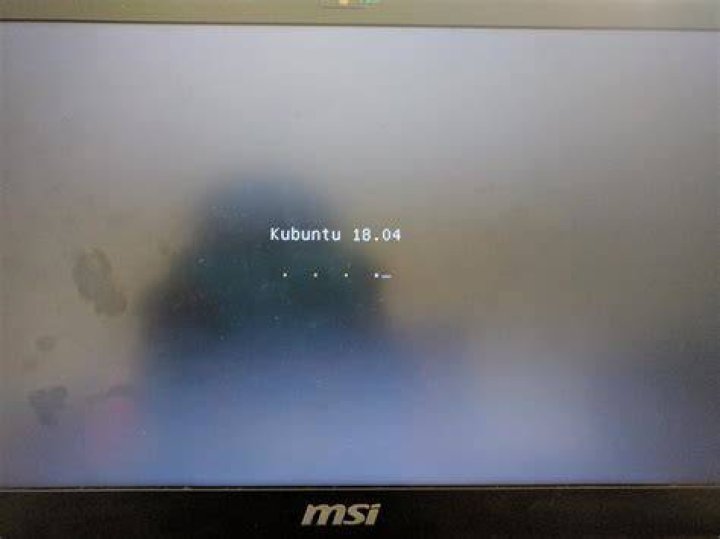
I am trying to re-partition & reinstall my existing Kubuntu installation on my MSI GL62 6QF laptop (upgraded with 32GB ram since last install).
I can see the Kubuntu choice screen without giving any options. 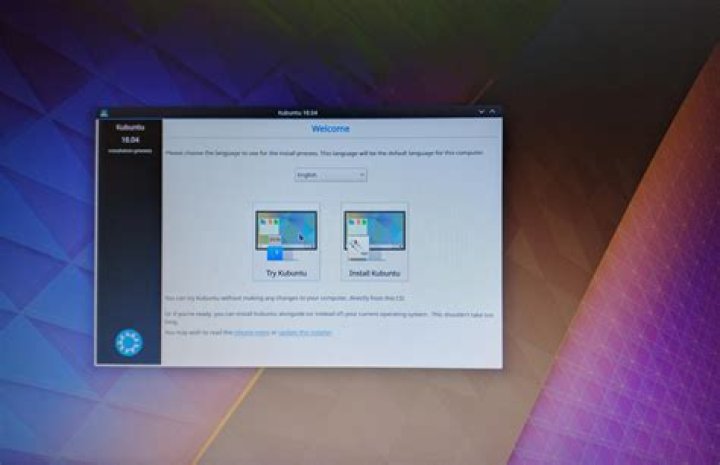
But if I click on "Try Kubuntu", the system just freezes up.
I overcame this issue by using the nomodeset boot parameter. However, the setup just stops at the next screen. 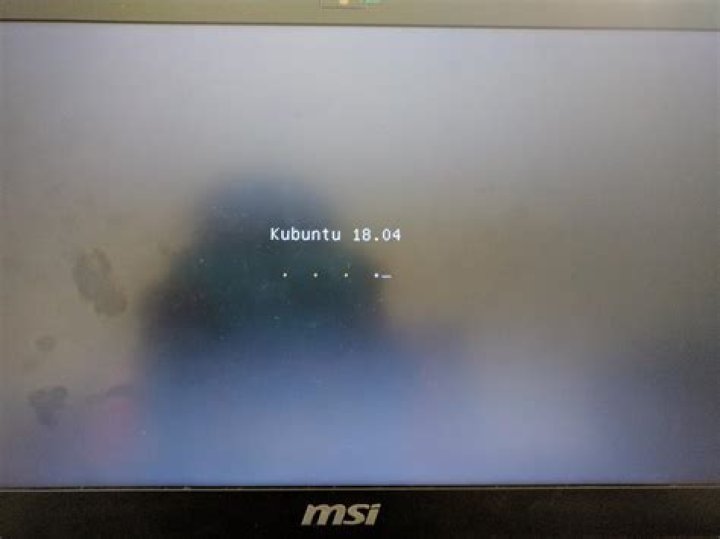
Here's the same step without quiet splash. 
So far, I've tried.
- Toggling CPU C States option
nouveau.modeset=0pci=nomsiacpi_osi=Linux
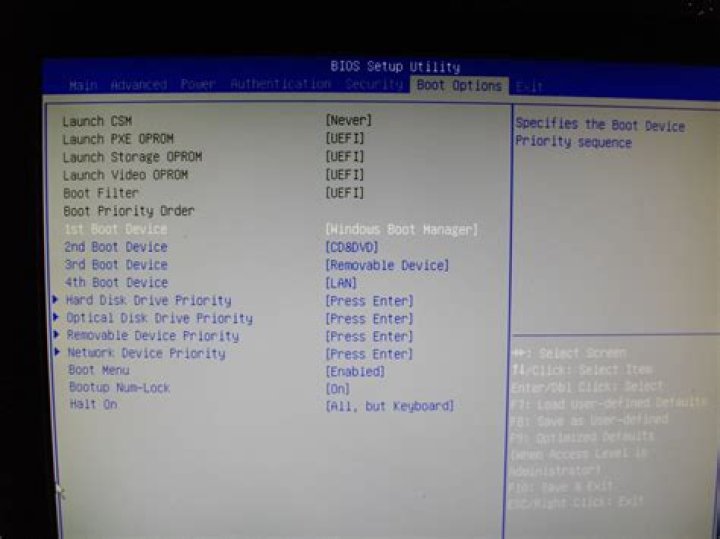
Also, I'm on Legacy boot mode, as the USB is never booting in any other modes.
Maybe unrelated, but the USB only boots properly in one USB port (USB2vs3 issue).
Edit: Additionally, here's all my BIOS options: 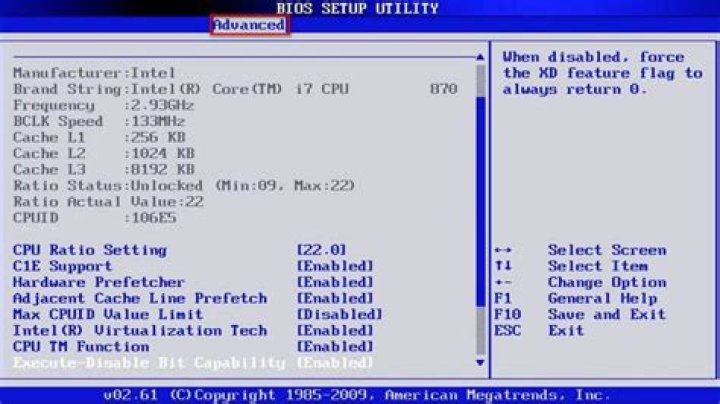
3 Answers
Go to BIOS and disable your graphics memory, and try again.
1You can try to disable secure boot
1Use only acpi=off.
Turns out nomodeset is totally unnecessary (harmful) and even nomodeset acpi=off halts the booting for this laptop.