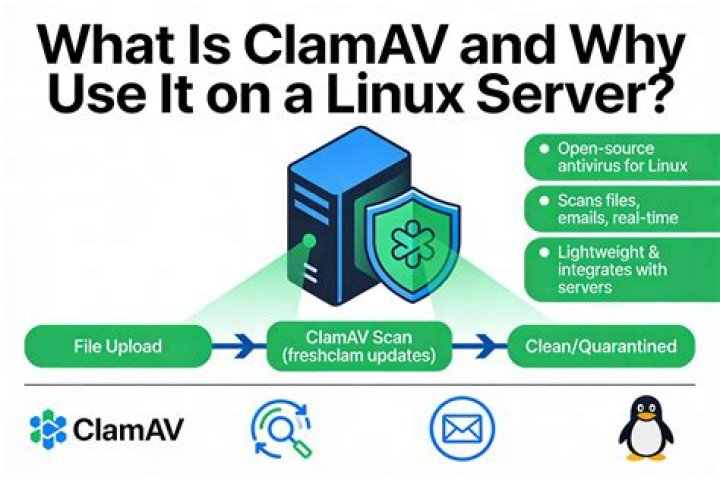

I have a problem with ubuntu server 18.04. I have clamAV installed that connects via unix socket domain /var/run/clamav/clamd.ctl. ClamAV works well for a while, then the file clamd.ctl disappears from the previous path and I need to manually create it or to restart the system. I already tried with sudo apt-get install clamav-daemon.
This is my file /etc/clamav/clamd.conf
LocalSocket /var/run/clamav/clamd.ctl FixStaleSocket true # TemporaryDirectory is not set to its default /tmp here to make overriding # the default with environment variables TMPDIR/TMP/TEMP possible User root ScanMail true ScanArchive true ArchiveBlockEncrypted false MaxDirectoryRecursion 15 FollowDirectorySymlinks false FollowFileSymlinks false ReadTimeout 180 MaxThreads 12 MaxConnectionQueueLength 15 StreamMaxLength 10M LogFileMaxSize 0 LogSyslog false LogFacility LOG_LOCAL6 This is a script run with crontab
#!/bin/bash # update #freshclam FILETODOWNLOAD="main.cvd daily.cvd bytecode.cvd"; for F in ${FILETODOWNLOAD}; do sudo rm -f /var/lib/clamav/$F wget -P /var/lib/clamav sudo chown clamav:clamav /var/lib/clamav/$F sudo chmod 644 /var/lib/clamav/$F done # scan LOGFILE="/var/log/clamav/clamav-$(date +'%Y-%m-%d').log"; #EMAIL_MSG="Please see the log file attached."; #EMAIL_FROM="clamav-daily@domain"; #EMAIL_TO="webmaster@domain"; DIRTOSCAN="/var/www /home/master/"; for D in ${DIRTOSCAN}; do DIRSIZE=$(du -sh "$D" 2>/dev/null | cut -f1); echo "Starting a daily scan of "$D" directory. Amount of data to be scanned is "$DIRSIZE"."; clamscan -ri "$D" >> "$LOGFILE"; # get the value of "Infected lines" MALWARE=$(tail "$LOGFILE"|grep Infected|cut -d" " -f3); done Any idea?
P.S. I already tried with this solution: ClamAV: clamd.ctl file is not getting created on ubuntu.
1 Answer
I had the same problem with Xubuntu 18.04 LTS Desktop. And I also tried the other solution with no success. What worked for me was to purge clamav.
sudo apt-get purge clamav Maybe you have to purge the daemon too. Don't remember. Make sure that /etc/clamav/ and /var/run/clamav are not existing anymore.
Then reinstall clamav and the daemon in one command. (I got the feeling, that if you install clamav and then the daemon the first might already be running and blocking some files. But that's just a guess.)
sudo apt update sudo apt install clamav clamav-daemon After that, it worked fine for me.
After the install command the file /var/run/clamav/clamd.ctl should be created.
2