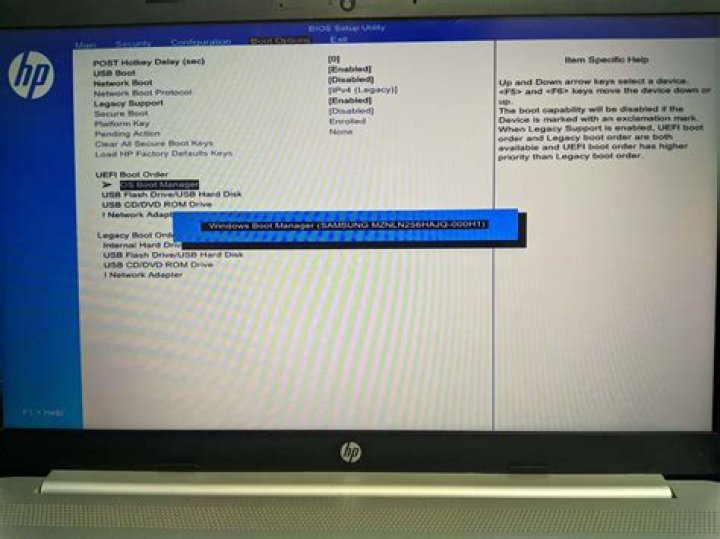

I have a laptop which had a broken installation of Windows 7 installed on it.
I created a Ubuntu live USB and tried installing Ubuntu over that Windows 7. After a few minutes, I got an error message, so I needed to restart the computer. Now the laptop says that there is no bootable device - reasonable message given that there was an error during Linux installation. However:
- BIOS can see my hard drive,
- When I start Ubuntu in live mode, and try either
sudo fdisk -lor gparted, it doesn't show any hard disk drives.
I am 90% sure that the hard drive is broken, but it is weird that BIOS can see it, and Ubuntu doesn't. How can I be 100% sure about that hard drive? Is there any additional way of detecting my hard drive from Ubuntu?
11 Answer
Go into your bios and try disabling/enabling AHCI. Reboot, and see if anything changes for you. Don't forget to re-enable/disable it if it doesn't solve your problem though. :)




