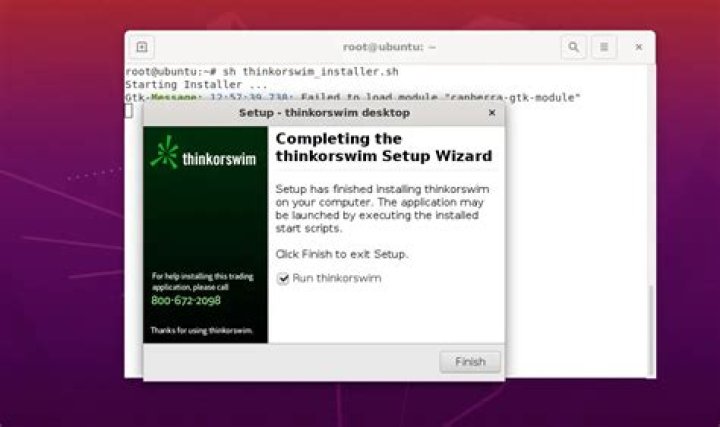

I was able to install thinkorswim as normal. The installer offered to create a desktop icon, I selected this option but no desktop icon was created. I ran thinkorswim from the installer no problem, but the icon on my left menu bar shows the title java-lang-Thread and won't let me add it to favourites. Thinkorswim also does not show up in my applications list and can't be searched for using the super key.
The only way I am able to run thinkorswim is by navigating to the installed folder in the terminal and running:
./thinkorswim
I've tried several guides on creating a .desktop file and I've managed to get it into my applications list but it will not actually run. Here are the .desktop files I tried:
[Desktop Entry] Name=ThinkorSwim Exec=xdg-open /home/dunnetahl/thinkorswim/thinkorswim Terminal=false Icon=/home/dunnetahl/thinkorswim/thinkorswim.ico Type=Application Comment=ToS Workstation and
#!/usr/bin/env xdg-open [Desktop Entry] Encoding=UTF-8 Version=1.0 Type=Application Exec=/home/dunnetahl/thinkorswim/thinkorswim Name=ThinkorSwim Comment=ToS Workstation Icon=/home/dunnetahl/thinkorswim/thinkorswim.ico NoDisplay=false Categories=GTK;AudioVideo What am I doing wrong here? Thanks.
1 Answer
Try it without 'xdg-open'
Like this:
Name=ThinkorSwim Exec=/home/dunnetahl/thinkorswim/thinkorswim Terminal=false Icon=/home/dunnetahl/thinkorswim/thinkorswim.ico Type=Application Comment=ToS Workstation