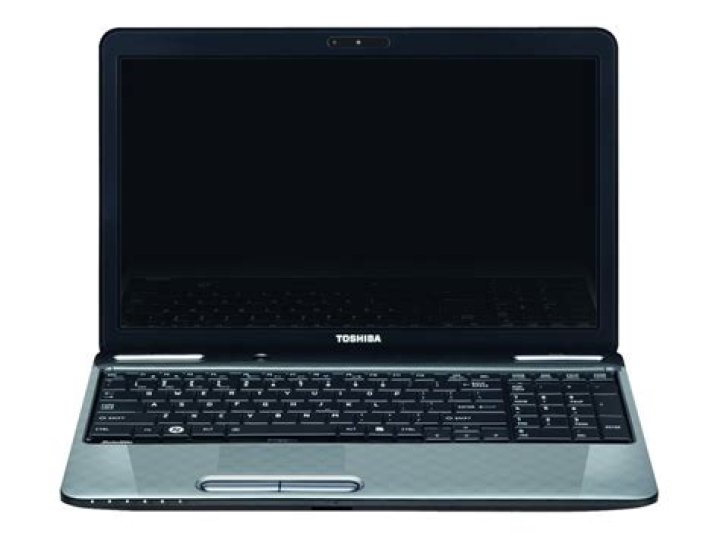

A relative loaned us a Toshiba L755 which was upgraded to Windows 10 home. I installed Ubuntu on it in a dual-boot configuration for some older relatives to use. Now that we are done with it, I have been trying to restore it back to its Windows-10-only configuration, but I have run into major problems (which admittedly may have been of my own doing).
First, I successfully removed GRUB and used Windows' recovery environment to overwrite the MBR with Windows' own original bootloader...then, I was able to successfully remove the Ubuntu partitions: Windows 10 booted normally for two test start-ups after this.
Now, here is where I may have messed up: I couldn't recall whether I had resized the partitions for Ubuntu, and I remember reading that Windows 10 optimally needs around 240GB in its own (C:) partition (it had 140GB). So, using Windows' own disk-management tool, I took the reclaimed space left from the Ubuntu partitions and resized the Windows 10 (C:) partition to 240GB, and then converted the remaining unallocated space into an extended partition (D:) for just regular storage space. Everything seemed to go well, the program reported no errors. However, after that, the laptop has failed to boot: after the Toshiba splash screen, a black screen appears with an unblinking line cursor at the top, and that's it.
Since then, I have tried and failed multiple ways to recover, many of them centering around trying to boot the laptop from USB. I have attempted this using several recovery USBs I have made (Windows Recovery, Windows 10 Install, etc.)...however, the laptop absolutely refuses to boot from them. I have tried a number of solutions suggested in other forums:
- The BIOS boot-order is already set to USB-first. Interestingly, when a USB drive is inserted in the computer pre-boot, the BIOS seems to be able to recognize it whenever I check the boot-order (it displays the manufacturer), but the laptop just will not boot from it.
- I ensured that the USB actually is bootable. I have noticed that some USB sticks light up and some of them don't, but I have even tested this laptop with a proven Ubuntu bootable install USB, and that doesn't work, so it's not the USBs or ISO/Install file(s).
- Some forums suggested changing the boot mode to CSM instead of UEFI, but I'm guessing that my BIOS is somewhat older, as it does not even have this option in its Advanced Settings, like some other computers reportedly do.
- Similarly, there is no option for "secure boot" (although there are boot/BIOS password settings...these have been disabled).
- Fast-boot has been disabled.
- I've ensured any power-saving related settings are not interfering (again, this laptop's BIOS may be older: although it has one or two power-saving options, none of them deal with USB).
- I tried placing FDD first in the boot order (suggested in one forum).
- I tried changing the virtualization option in the BIOS (another suggestion).
- I even tried invoking the laptop's own recovery drive for a master reset: pressing and holding both power and "0" (zero) until the laptop beeps.
NONE of these options have changed a single thing...I still only get that black screen with the line cursor at top; the laptop absolutely refuses to boot from any USB inserted. I am extremely frustrated and I'm at the end of my wits. At this point, I'm considering using something called PLOP, which I used in the distant past...but that was for installing Linux/Ubuntu; I'm uncertain of whether that would work for starting up a Windows Recovery Disk or a Windows bootloader. Does anyone have any other suggestions? Is there something I've missed? Is my laptop "bricked"? Thanks in advance for your input!
2 Reset to default



