
My Windows 8 computer frequently locks up when you try to wake it up from sleep. The power light appears on, but the monitor shows no connection and it won't 'wake up'. I have to hold the power button to turn it off and reset it. I found this in the event log. I don't know if it crashed before I tried to wake it, or if it locks up the moment I press a key. The previous error is 8:40am. How would I debug it to find out the source of the problem?
It is a Dell XPS 8500. I've already run the Dell BIOS hardware tests, including memory tests, with the 'extended test' option, overnight, and it found no problem.
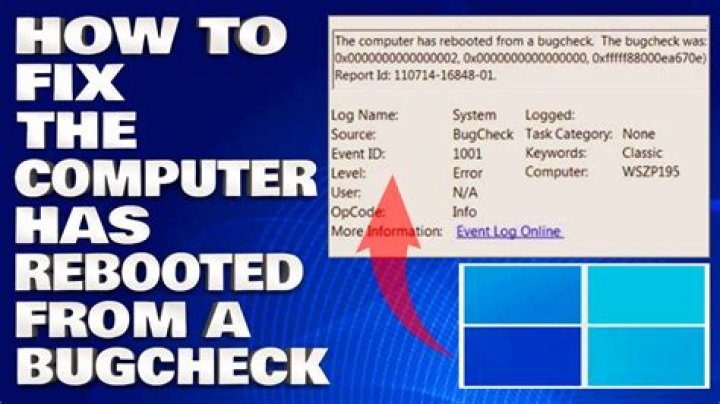
Error 8/8/2013 1:18:34 PM EventLog 6008 None The previous system shutdown at 12:02:22 PM on 8/8/2013 was unexpected. Error 8/8/2013 1:18:40 PM BugCheck 1001 None Log Name: System Source: Microsoft-Windows-WER-SystemErrorReporting Date: 8/8/2013 1:18:40 PM Event ID: 1001 Task Category: None Level: Error Keywords: Classic User: N/A Computer: xps Description: The computer has rebooted from a bugcheck. The bugcheck was: 0x0000003b (0x00000000c0000005, 0xfffff88001d01e0f, 0xfffff8801e33a8b0, 0x0000000000000000). A dump was saved in: C:\windows\MEMORY.DMP. Report Id: 080813-32203-01. Event Xml: <Event xmlns=""> <System> <Provider Name="Microsoft-Windows-WER-SystemErrorReporting" Guid="{ABCE23E7-DE45-4366-8631-84FA6C525952}" EventSourceName="BugCheck" /> <EventID Qualifiers="16384">1001</EventID> <Version>0</Version> <Level>2</Level> <Task>0</Task> <Opcode>0</Opcode> <Keywords>0x80000000000000</Keywords> <TimeCreated SystemTime="2013-08-08T17:18:40.000000000Z" /> <EventRecordID>9844</EventRecordID> <Correlation /> <Execution ProcessID="0" ThreadID="0" /> <Channel>System</Channel> <Computer>xps</Computer> <Security /> </System> <EventData> <Data Name="param1">0x0000003b (0x00000000c0000005, 0xfffff88001d01e0f, 0xfffff8801e33a8b0, 0x0000000000000000)</Data> <Data Name="param2">C:\windows\MEMORY.DMP</Data> <Data Name="param3">080813-32203-01</Data> </EventData> </Event> I ran both WhoCrashed and BlueScreenView. I have 15 minidumps. WhoCrashed always reported ndis.sys (except 1) and eventually concluded mfehidk01.sys (McAfee) was the problem. Here is a copy of the WhoCrashed report:
BlueScreenView nearly always reported ndis.sys (just 3 were not). Here is one row.
080813-32203-01.dmp 8/8/2013 12:03:04 PM SYSTEM_SERVICE_EXCEPTION 0x0000003b 00000000`c0000005 fffff880`01d01e0f fffff880`1e33a8b0 00000000`00000000 ndis.sys ndis.sys+aee0f x64 ntoskrnl.exe+5a440 C:\windows\Minidump\080813-32203-01.dmp 8 15 9200 280,384 8/8/2013 1:18:40 PM Here is the full report from BlueScreenView:
ndis.sys is from Microsoft, so what can I do?
61 Answer
To start debugging:
- Google the given error code (0x0000003b) to determine the nature of the failure.
- Examine the MEMORY.DMP it made to try and find out the culprit.
For more information on examining Memory Dump files see this SU question and its answers:
I keep getting the BSOD. how do I trace what application / driver is causing it?
Also, basic overnight memory tests are OK, but you're better off using something like Memtest86+ and letting it run for 2 or 3 DAYS before deciding the RAM is OK.
Additionally, you may want to take a look at this similar question, as they ran into a similar Bug check code with Windows 8:
How to get more info out of the uninformative Windows 8 BSOD?
3