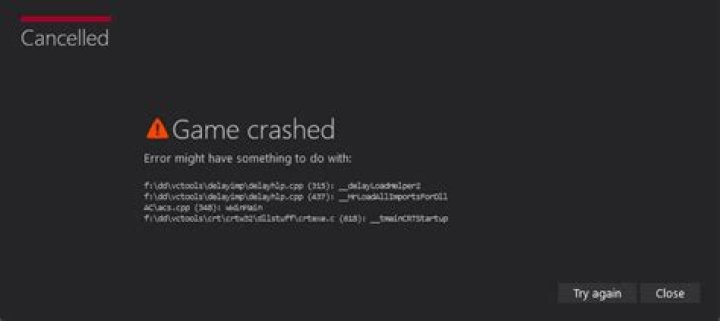

I am working on project by using boost python and visual studio 2005. when i debug a simple hello world example the folowing error window appear. The application has failed to start because python33.dll was not found.Reinstalling the application may fix this problem
Can somebody please tell its error on Python or on windows regisrty.Beacause i reinstall Python but error is still there.
Thanks.
1 Answer
For Removing this error set the environoment varaible for both Python and also for Boost Python by folowing ways.
1.Right click on the project and select Properties.
2.Inside the Configuration Properties ,select Debugging and set the Environment with Python 3 and Boost Python 1_54 with following commands
**PATH=%PATH%;c:\python33;C:\boost_1_54_0\stage\lib** 



