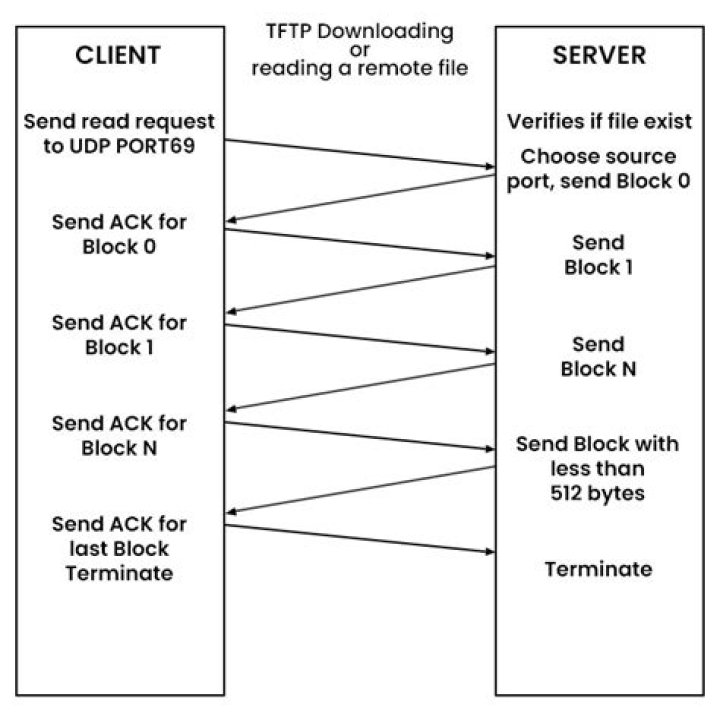

I've installed TFTP to the best of my knowledge and am trying to perform a basic function test of:
get uImage When run as a normal user, I get permission denied. When using sudo it replies back
Transfer timed out. With the verbose mode on, it gives me:
getting from localhost:uImage to uImage [netascii] Transfer timed out. I have no idea what's gone wrong.
1 Answer
Try on this way. Work for me.
Install following packages.
sudo apt-get install xinetd tftpd tftp Create /etc/xinetd.d/tftp
and put this entry
service tftp { protocol = udp port = 69 socket_type = dgram wait = yes user = nobody server = /usr/sbin/in.tftpd server_args = /tftpboot disable = no } Create a folder /tftpboot this should match whatever you gave in server_args. mostly it will be tftpboot
sudo mkdir /tftpboot sudo chmod -R 777 /tftpboot sudo chown -R nobody /tftpboot Restart the xinetd service.
sudo /etc/init.d/xinetd restart