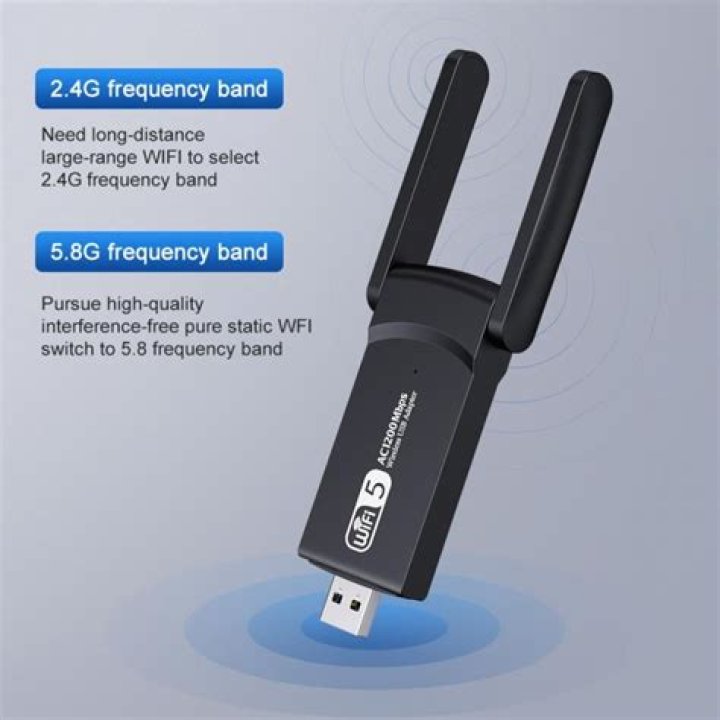

I just picked up a Techkey Usb 3.0 Wifi Adapter off Amazon and have a difficult time figuring out how to install it.
I'm running Ubuntu 16.04 LTS.
The device came with a CD. I tried running the install.sh script but, it was trying to run something from ./driver folder and was giving off an error, as there is nothing actually in the driver folder. The CD had a linux directory with the following folders:
RTL8811CU(RTL8821CU)_WiFi_linux_v5.2.5.3_24795_COEX20170310-1212.20171031 RTL8812BU(RTL8822BU_WiFi_linux_v5.2.4.4_25643.20171212_COEX20171012-5044
➜ ~ lsusb Bus 001 Device 003: ID 0bda:b812 Realtek Semiconductor Corp. Bus 001 Device 001: ID 1d6b:0002 Linux Foundation 2.0 root hub Bus 005 Device 001: ID 1d6b:0001 Linux Foundation 1.1 root hub Bus 004 Device 001: ID 1d6b:0001 Linux Foundation 1.1 root hub Bus 003 Device 002: ID 046d:c521 Logitech, Inc. Cordless Mouse Receiver Bus 003 Device 001: ID 1d6b:0001 Linux Foundation 1.1 root hub Bus 002 Device 001: ID 1d6b:0001 Linux Foundation 1.1 root hub ➜ ~ uname -r 4.13.0-45-generic Any help would be greatly appreciated, thanks!
1 Answer
Update (2/15/2019):
The adapter was running sporadically slow at times.
I posted over at the Ubuntu Forums and it was recommend that I remove this driver and install a different one, suggested by Chili:
Remove the current driver: sudo dkms remove 8822bu/1.1 --all
Run each of the following commands one by one:
sudo apt-get update sudo apt-get install build-essential git git clone cd rtl88x2BU_WiFi_linux_v5.2.4.4_25643.20171212_COEX20171012-5044 VER=$(cat ./version) sudo rsync -rvhP ./ /usr/src/rtl88x2bu-${VER} sudo dkms add -m rtl88x2bu -v ${VER} sudo dkms build -m rtl88x2bu -v ${VER} sudo dkms install -m rtl88x2bu -v ${VER} sudo modprobe 88x2bu Consider a restart at this point to be sure it's working.
It's working but, I'll need more time to know if it is more stable. I'll update again soon.
I was able to get it working thanks to this:
Okay, it looks like you require the 8822bu driver (which contains the IDvendor:IDproduct string for your adapter .. 0bda:b812)
With an active internet connection, open a terminal and run these commands in sequence:-
sudo apt-get install git dkmsthen
mkdir ~/rtl8822then
cd ~/rtl8822then
git clonethen
sudo dkms add ./rtl8822buthen
sudo dkms install 8822bu/1.1then
sudo modprobe 8822budid wireless spring to life ?
If so, does it survive a reboot ?
Wireless sprung to life and it survived reboot. I only wonder if it will survive kernel updates as well?
2



