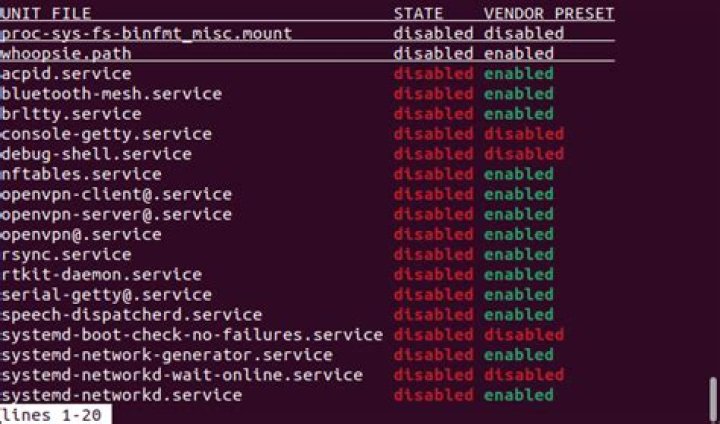

When I execute systemctl list-unit-files does not show my service command it does not show my service (called example). What can be the reason of that?
init.d file location:
/etc/rc.d/init.d/example service files:
/run/systemd/ /run/systemd/ /run/systemd/ /run/systemd/ /run/systemd/ .Service file:
# Automatically generated by systemd-sysv-generator [Unit] Documentation=man:systemd-sysv-generator(8) SourcePath=/etc/rc.d/init.d/example Description=SYSV: Application Suite Before=runlevel2.target Before=runlevel3.target Before=runlevel4.target Before=runlevel5.target After=network-online.target After=network.service [Service] Type=forking Restart=no TimeoutSec=5min IgnoreSIGPIPE=no KillMode=process GuessMainPID=no RemainAfterExit=yes ExecStart=/etc/rc.d/init.d/example start 1 Answer
Use systemctl list-unit instead, it will show all loaded (active) units, including those generated.
The list-unit-files only works for the actual installed unit files. To debug the generated ones looking at the /run directory is I guess fine. Alternatively you can use systemctl show example.service to see the in-memory properties, which has some overlap with the unit files.
BTW, for a given unit name, you can use systemctl is-enabled <name> -l to see if it is „generated“, or where it is statically installed.