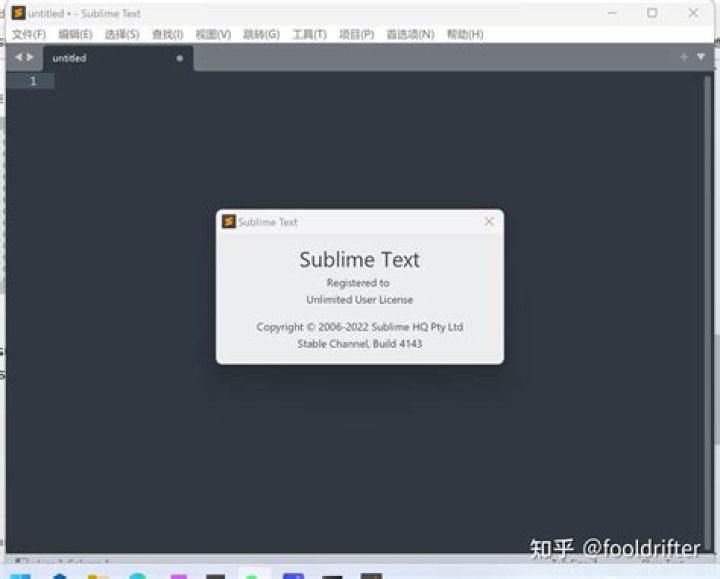

I downloaded/installed Sublime Text 3 via the .deb package and inserted my license. The window popped up saying thank you for registering.
However, it still says unregistered in the menu/title bar. How can I remove it? Minor annoyance after spending the money to get a license.
21 Answer
I just had this issue as well and it turned out it was just the unity link file that needed to be updated. The link was created before I registered sublime so the link name gets created with the UNREGISTERED string.
I was able to fix this by modifying the link file.
vim ~/.local/share/applications/sublime_text.desktop You can then change the Name= entry
[Desktop Entry] Encoding=UTF-8 Version=1.0 Type=Application Name=Sublime Text -- UNREGISTERED Icon=sublime_text.png Exec=/opt/sublime_text/sublime_text StartupNotify=false StartupWMClass=Sublime_text OnlyShowIn=Unity; X-UnityGenerated=true