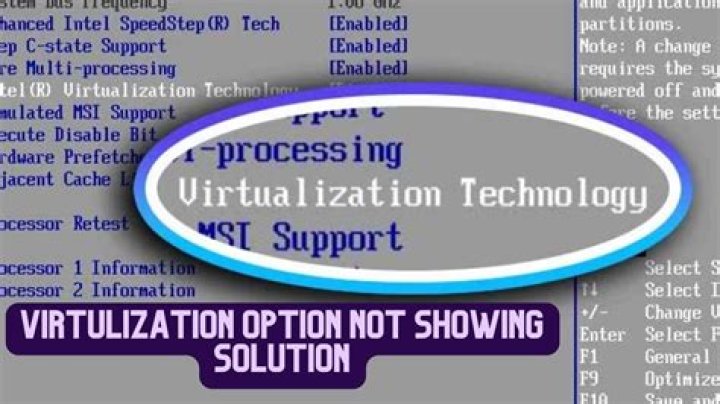

In my system BIOS virtualization option is missing. After research found that my system doesn't support virtualization.
Laptop model : HP DV6-1152TX Processor : Processor type - Intel Core 2 Duo Processor T6400 * 2.0 GHz, 2 MB L2 Cache, 800 MHz FSB BIOS version : F.25 Operating System : Windows 8.1 pro 64 bit
Please let me know best way to resolve this issue? If I have to change the CPU what are the specifications I need to consider? Does virtualization is essential for Cloudera Quickstart VM. Is there some way one can use Cloudera Quickstart VM without using virtualization or upgrading BIOS and CPU.
Thanks,
22 Answers
Your CPU does not support virtualisation. To get virtualisation to work you would need to replace it with a CPU which supprts VT-x, which works in your laptop (not quite trivial!) and your motherboard firmware (EFI or BIOS) will also need to support it.
Practical solution: A new laptop.
5Have you tried running the VirtualBox version? I see that your CPU is 64-bit, and that the Cloudera runs on 64-bit. I don't see a requirement for the VT-x extension listed on the Cloudera web site (and from my limited understanding that is mostly needed if you want to run a 64-bit virtual machine on a 32-bit host). I would download the Cloudera version for VirtualBox and try it. Hope that is helpful.
UPDATE: Found this link suggesting resetting the BIOS to default would make the option show. However, you may need to download a BIOS update and flash your BIOS to the new version. Link below
5



