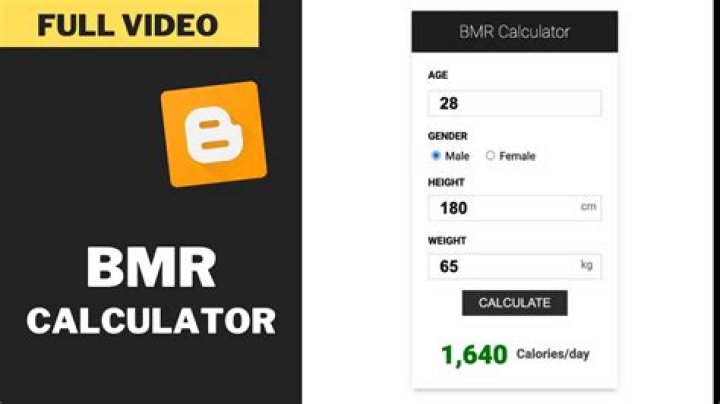

This is the beginning of my term paper. What is wrong and why?
My calculator doesn't show the result.
<!DOCTYPE html> <html> <head> <script> var bmr; var age = document.getElementById("age").value; var gender = document.getElementById("gender").value; var height = document.getElementById("height").value; var weigth = document.getElementById("weigth").value; if (gender == "masc") { bmr = 66.5 + ( 13.75 * weigth ) + ( 5.003 * height ) – ( 6.755 * age ) } else { bmr = 655.1 + ( 9.563 * weigth ) + ( 1.850 * height ) – ( 4.676 * age ) } </script> </head> <body> <form action="#"> <input type="radio" value="masc" checked> Male<br> <input type="radio" value="fem"> Female<br> Age:<br> <input type="number" value="20"><br> Height:<br> <input type="number" value="180"><br> Weight:<br> <input type="number" value="80"><br> </form> <button type="button" onclick="document.getElementById('lblResult').innerHTML = bmr"> Result</button> <p>BMR</p> </body> </html>1 Answer
Like the comment mentioned you have a dash instead of a minus sign in your code preventing it from working.
bmr = 66.5 + ( 13.75 * weigth ) + ( 5.003 * height ) here-> - ( 6.755 * age )
You will also have to move your script to the end of the html file, just before the closing </body> tag beacause in your code when you select the elements they are not loaded so it dosen't work.
And the onclick event wont work the way you intended, its better if you make event inside the script.
document.getElementsByTagName("button")[0].addEventListener("click", function() { calc(); document.getElementById('lblResult').innerHTML = bmr; }) You sould also move the calculation code inside a function so you can calculate the values again, as it stands whenever you click result you will get the same value.
Here is a working Example.




