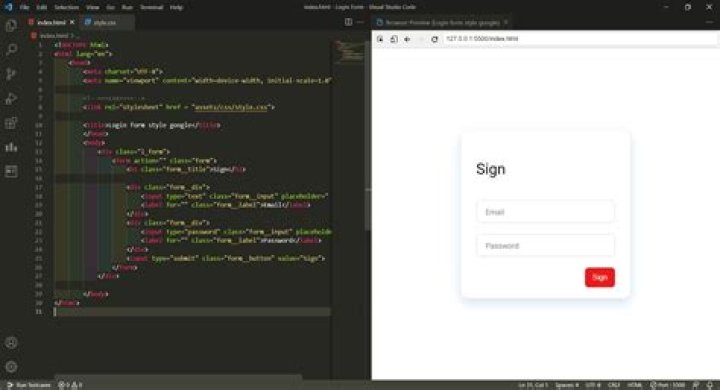
How can I see the HTML code live preview on the side tab in the VSCode editor?
end result I want: 
CSS, js, PHP, etc should also work in the preview.
13 Answers
The Vscode team has developed a Live Server extension with a lot of coordination with vscode. See v1.58 pre-release notes:
Live Preview
We have developed a Live Preview extension, which hosts a local server for web development previewing! 🎉
It features an in-editor browser preview, live preview refreshing (on file change or on save), multi-root support, and more!
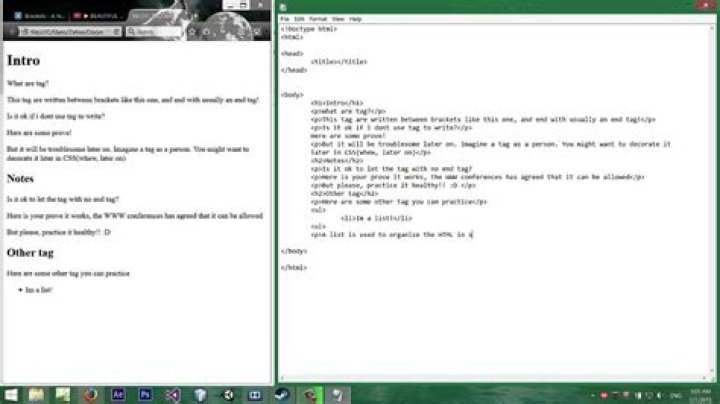
The extension also has a Live Preview task, which runs a persistent server and allows you to view server traffic and its associated files.
To learn more about what it can do, view it in the marketplace or check out its repo.
There are tons of different vscode extensions for browser previews. The one i'm using is Browser Preview.
To view .php files, you need a server, like Apache. XAMPP is an all in one solution which offers MySQL, Apache and some other tools:
ty4z's HTML Preview Extension is pretty good:

JS and CSS definitely work in its preview window, but I haven't tested PHP yet. My guess is it also probably works since the other two do.




