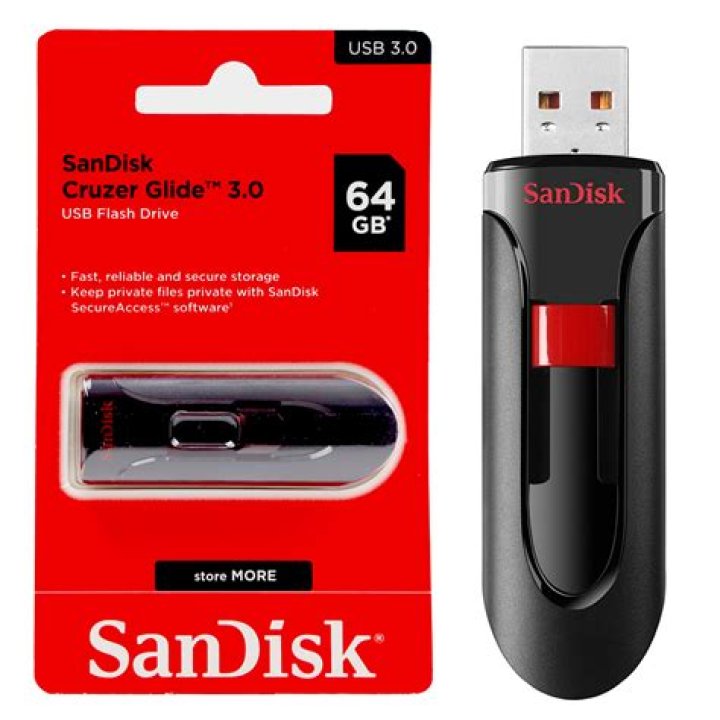
I have a SanDisk Cruzer 64GB USB that I used a couple weeks ago to create a Recovery Disk, and after using it I erased everything on it so I could store files for personal use.
However when I go to file explorer it shows that the 64GB USB only has 32GB of space. It is NOT a FAT32 Format, as I already tried reformatting to NTFS. When I tried reformatting it showed it could only be reformatted up to 32GB.
Is this a scam or do I need to try something different to format it back to 64GB.
11 Answer
If you haven't already done so. Press Windows Key + R (Run) and then type diskmgmt.msc and then click Okay.

After the Disk Manager program loads, click on the Drive associated with your SanDisk flash drive. It could be that you have other partitions on the drive that are not associated with any drive letter.
You can delete a partition/volume by right clicking it and selecting "Delete Volume"
If there are other partitions on the disk, you'll need to delete all of them and then format the drive again.
0



