
I'm new to mac with not familiar on terminal command, i put the dvtcolorconvert.rb file on root directory of my volume, this ruby script can converting xcode 3 themes into xcode 4 themes format, which is xxxxxxxx.dvtcolortheme format.
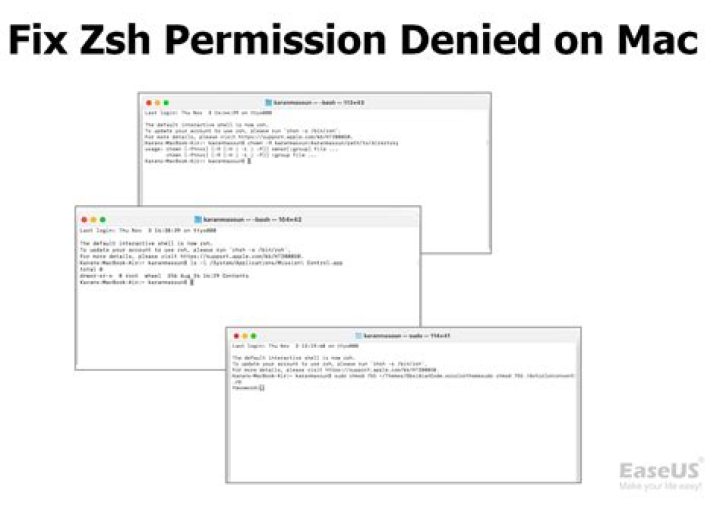
Then run the script /dvtcolorconvert.rb ~/Themes/ObsidianCode.xccolortheme on terminal, but it's always prompt "Permission denied".
what's wrong with this? Anybody can help me solve this problem? Thanks.
7 Answers
Did you give yourself the rights to execute the script?
The following command as super user will do this for you:
sudo chmod 755 'filename'
For details you should read the man page of chmod.
4Please read the whole answer before attempting to run with sudo
Try running sudo /dvtcolorconvert.rb ~/Themes/ObsidianCode.xccolortheme
The sudo command executes the commands which follow it with 'superuser' or 'root' privileges. This should allow you to execute almost anything from the command line. That said, DON'T DO THIS! If you are running a script on your computer and don't need it to access core components of your operating system (I'm guessing you're not since you are invoking the script on something inside your home directory (~/)), then it should be running from your home directory, ie:
~/dvtcolorconvert.rb ~/Themes/ObsidianCode.xccolortheme
Move it to ~/ or a sub directory and execute from there. You should never have permission issues there and there wont be a risk of it accessing or modifying anything critical to your OS.
If you are still having problems you can check the permissions on the file by running ls -l while in the same directory as the ruby script. You will get something like this:
$ ls -l total 13 drwxr-xr-x 4 or019268 Administ 12288 Apr 10 18:14 TestWizard drwxr-xr-x 4 or019268 Administ 4096 Aug 27 12:41 Wizard.Controls drwxr-xr-x 5 or019268 Administ 8192 Sep 5 00:03 Wizard.UI -rw-r--r-- 1 or019268 Administ 1375 Sep 5 00:03 readme.txt You will notice that the readme.txt file says -rw-r--r-- on the left. This shows the permissions for that file. The 9 characters from the right can be split into groups of 3 characters of 'rwx' (read, write, execute). If I want to add execute rights to this file I would execute chmod 755 readme.txt and that permissions portion would become rwxr-xr-x. I can now execute this file if I want to by running ./readme.txt (./ tells the bash to look in the current directory for the intended command rather that search the $PATH variable).
schluchc alludes to looking at the man page for chmod, do this by running man chmod. This is the best way to get documentation on a given command, man <command>
In my case, I had made a stupid typo in the shebang.
So in case someone else on with fat fingers stumbles across this question:
Whoops: #!/usr/local/bin ruby
I meant to write: #!/usr/bin/env ruby
The vague error ZSH gives sent me down the wrong path:
ZSH: zsh: permission denied: ./foo.rb
Bash: bash: ./foo.rb: /usr/local/bin: bad interpreter: Permission denied
To run in the administrator mode in mac
sudo su You should run the script as 'superuser', just add 'sudo' in front of the command and type your password when prompted.
So try:
sudo /dvtcolorconvert.rb ~/Themes/ObsidianCode.xccolortheme If this doesn't work, try adapting the permissions:
sudo chmod 755 /dvtcolorconvert.rb sudo chmod 755 ~/Themes/ObsidianCode.xccolortheme use source before file name,,
like my file which i want to run from terminal is ./jay/bin/activate
so i used command "source ./jay/bin/activate"
Check the permissions on your Ruby script (may not have execute permission), your theme file and directory (in case it can't read the theme or tries to create other themes in there), and the directory you're in when you run the script (in case it makes temporary files in the current directory rather then /tmp).
Any one of them could be causing you grief.




