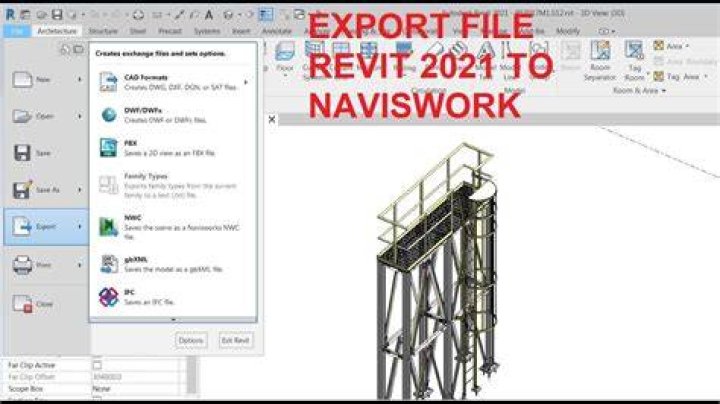

Can someone tell me where I can find the Revit -> Navisworks export or how I can turn it on. Is it something that can be downloaded and installed?
Reading this blog post Link
It talks about how the Autodesk-Viewer can see the room as a object only when it converted as a Navisworks file. There seems to be a Revit add in that allows for export of a Navisworks file. I can not seem to find how to add that add in to Revit so that it shows up in the Add-In ribbon.
I am using Autodesk Revit Architecture 2015
01 Answer
You can download this exporter here. There are some differences if you translate to Viewer from .rvt (Revit) or from .nwc (Navisworks). I remember doing some testing with levels, and .nwc expose this better than .rvt. You mentioned Rooms, is that what you're looking for?
1



