
I'm having an issue with a java program trying to get a string input from a joptionpane menu with a prompt box. With returning a string input. I don't know if im going about it all wrong by trying to use
String.parseString(input) Im very much a beginner with this so any help would have to be as simple as possible or a correction outright.
private static String getStringInput (String prompt) { String input = EZJ.getUserInput(prompt); return String.parseString(input); } UseCalls.java:27: error: cannot find symbol return String.parseString(input); ^ symbol: method parseString(String) location: class String 1 error Here is a sample of the menu Im trying to use it with
do { userInput = mainMenu(); if (userInput.equals("1")) { String name = getStringInput("Name?"); String address = getStringInput("Address?"); call[numCalls++] = new Call(); } } while (!userInput.equals("0")); } Here is the EZJ mini method
public class EZJ { public static String getUserInput (String prompt) { return JOptionPane.showInputDialog(prompt); } public static void dialog(String inputValue) { JOptionPane.showMessageDialog ( null, inputValue ); } } 3 Answers
You don't need to parse the string, it's defined as a string already.
Just do:
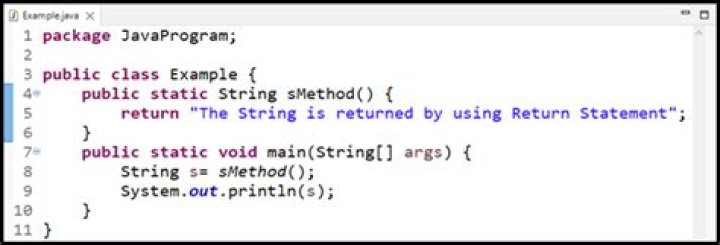
private static String getStringInput (String prompt) { String input = EZJ.getUserInput(prompt); return input; } As you see in an error UseCalls.java:27: error: cannot find symbol return String.parseString(input); there is no method parseString in String class. There is no need to parse it as long as JOptionPane.showInputDialog(prompt); already returns a string.
If you're really bent upon converting Integer to String value, I suggest use String.valueOf(YourIntegerVariable). More details can be found at:




