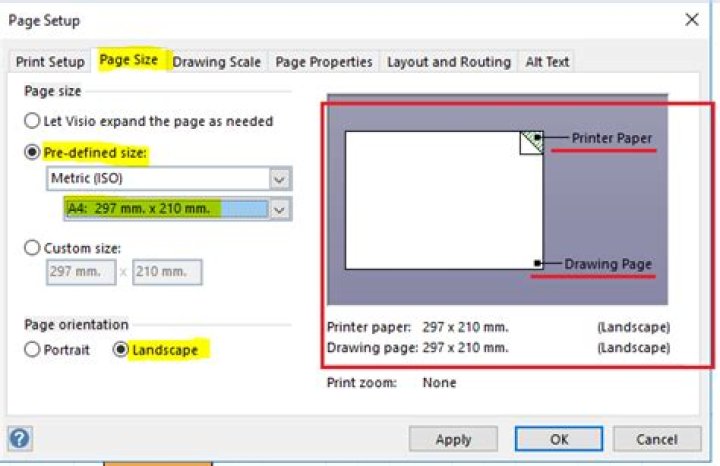
My Visio 2016 flowchart no longer fits the background page and is not resizing to first on one page even though my page setup settings are to fit 1x1 page. How can I reset this?
Visio Flowchart Screenshot: 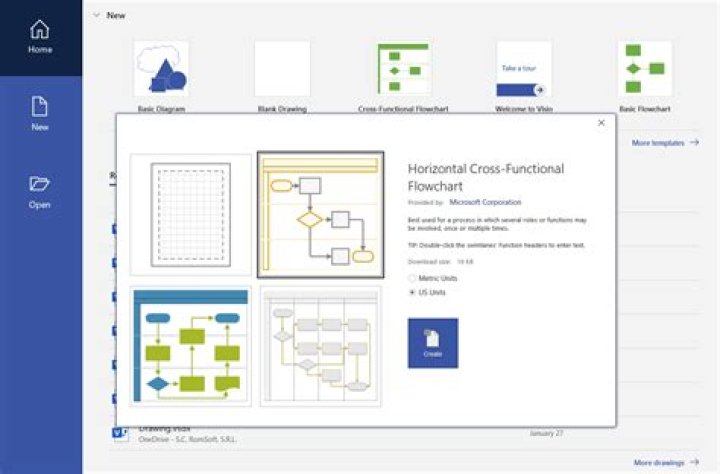
Print Preview Screenshot: 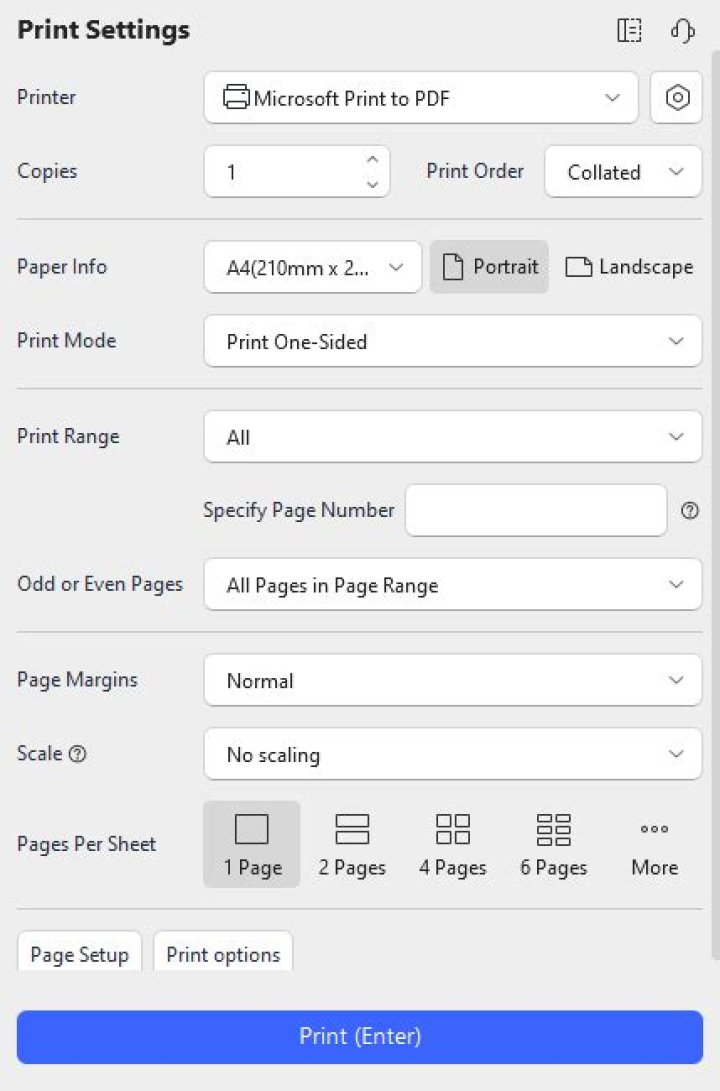
1 Answer
Go to Design tab, open Page Setup dialog, under Print Setup, set your wanted Printer paper size.

Then go to Page Size tab, set the page size to Pre-defined size, select the proper paper to let the Drawing Page fit the Printer Paper. You can view the preview in right side to check it. For example:
Click OK and check if you can print it correctly.




