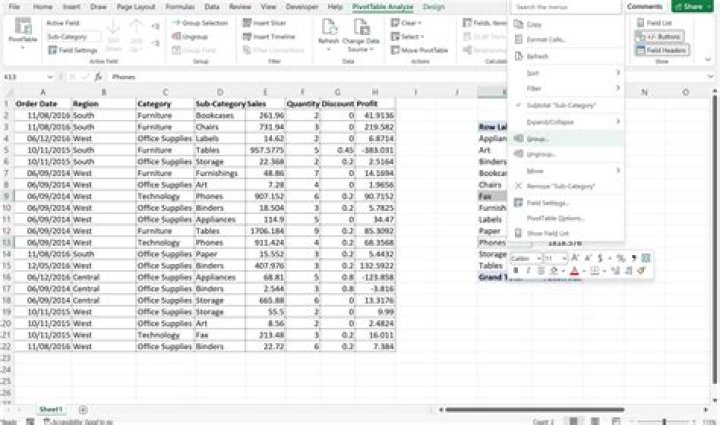

Within extensive Excel files (=approx. 40 sheets) there are many pivots (drawn from a single OLAP cube; hence one connection for all pivots). Often, there are several pivot tables within the same worksheet.
Whenever there were changes to the OLAP cube, it might take a long time to find out which of those cause an overlap and hence lead to a cancellation of a refresh. Is there a way to find out which out of many pivot tables leads to an overlap when refreshing the connection?
Side conditions: holding each pivot table in a separate sheet is not an option (to many sheets), converting the data to cube functions neither.
12 Answers
You can identify the ranges in VBA with the following:
Activesheet.pivottables(1).databodyrange.address You can also use the Intersect function to determine if two ranges intersect.
You will have to dig further to see if it is possible to move a pivot table using VBA. Alternatively, you could use the macro recorder to recreate the pivot tables on the fly and position them based on the boundaries of the pivot created on the same page before it.
0This solution involves some VBA, but can be a copy/paste:
Essentially it involves "logging" each refresh of a pivot**. When your pivot fails the entry won't be logged. Allowing you to identify the failed table.
**You will need to get the list/order of pivots from a successful run first
Alternatively
You could get a list of all the tables, and their sheets, then make a guess at what is overlapping:
Alternatively
The following answer suited my need with a minor adjustment (removed the update due to memory error), Then read the last table before the error:
as
Sub ref() Dim Sheet As Worksheet, Pivot As PivotTable, result As Boolean For Each Sheet In ThisWorkbook.Worksheets For Each Pivot In Sheet.PivotTables Debug.Print Sheet.name & "-->" & Pivot.name Pivot.RefreshTable Next Next End Sub View output in immediate window:




