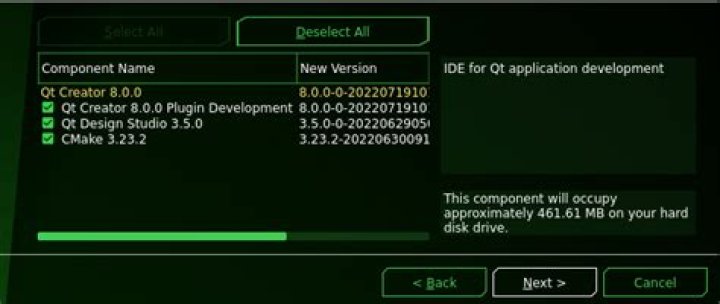

I've installed the program Qt Creator using the package manager (Using sudo apt install qtcreator. After installing when I try to launch the program, it gives the following error message.
qtcreator: error while loading shared libraries: libQt5Widgets.so.5: cannot open shared object file: No such file or directory I've tried doing sudo apt install libqt5widgets5 but that shows it's already installed.
When I ran locate libQt5Widgets.so.5, these came up:
/snap/kde-frameworks-5/27/usr/lib/x86_64-linux-gnu/libQt5Widgets.so.5 /snap/kde-frameworks-5/27/usr/lib/x86_64-linux-gnu/libQt5Widgets.so.5.11 /snap/kde-frameworks-5/27/usr/lib/x86_64-linux-gnu/libQt5Widgets.so.5.11.0 The result of apt-cache policy qtcreator:
qtcreator: Installed: 4.5.2-3ubuntu2 Candidate: 4.5.2-3ubuntu2 Version table: *** 4.5.2-3ubuntu2 500 500 bionic/universe amd64 Packages 100 /var/lib/dpkg/status And snap list :
Name Version Rev Tracking Publisher Notes core 16-2.34.3 5145 stable canonical core gnome-3-26-1604 3.26.0 70 stable/… canonical - gnome-calculator 3.28.2 180 stable/… canonical - gnome-characters 3.28.2 103 stable/… canonical - gnome-logs 3.28.2 37 stable/… canonical - gnome-system-monitor 3.28.2 51 stable/… canonical - gtk-common-themes 0.1 319 stable canonical - kde-frameworks-5 5.47.0 27 stable kde - okular 18.04.2 33 stable kde - termdown 1.13.0 8 stable dpb - I'm fairly new to Linux and Ubuntu. I can't seem to find any particular solutions online. My system is Ubuntu 18.04.1 LTS (64 bit).
UPDATE:
After searching online a little I did the following
sudo apt install --reinstall libqt5widgets5 And that changed the warning to error while loading shared libraries: "something else" cannot open ..... So I kept reinstalling the libraries causing errors and now this came,
This application failed to start because it could not find or load the Qt platform plugin "xcb" in "". Available platform plugins are: eglfs, linuxfb, minimal, minimalegl, offscreen, vnc, wayland-egl, wayland, wayland-xcomposite-egl, wayland-xcomposite-glx, xcb. Reinstalling the application may fix this problem. Aborted (core dumped) I tried reinstalling multiple times but that didn't help.
41 Answer
After a lot of tedious surfing on the internet I eventually found the solution myself. I believe my issue was due to this bug as my installation also failed during grub install and probably is an incomplete installation.
Due to this many libraries were marked as installed but not actually installed (thus causing the missing library errors). This not only effected Qt creator but other applications like VLC, Gparted, etc.
So my solution mostly involved reinstalling all missing libraries (shown in errors and found using ldd). And eventually I got it to work.