
Today I upgraded my Chrubuntu (Ubuntu 13.13) to Ubuntu 14.04 using the do-release-upgrade script.
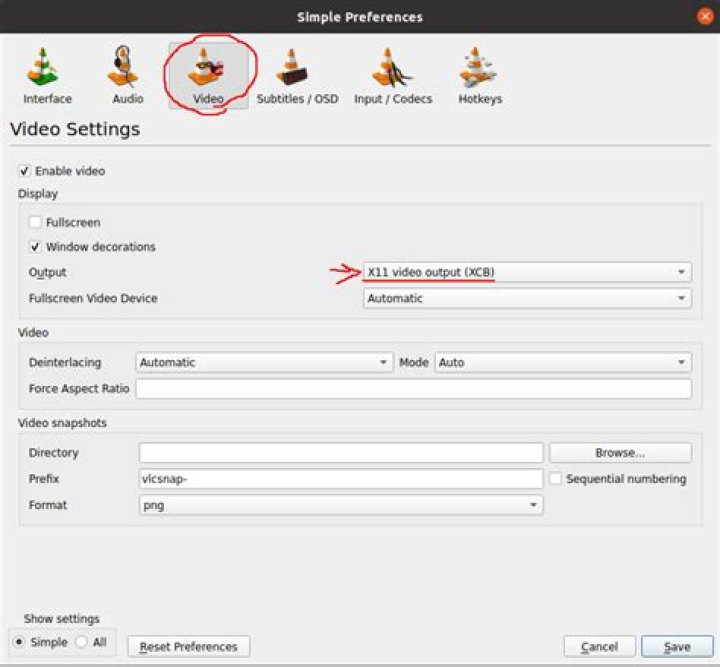
user@chrubuntu:~$ lsb_release -a No LSB modules are available. Distributor ID: Ubuntu Description: Ubuntu 14.04 LTS Release: 14.04 Codename: trusty Everything went fine, also the trackball works after a kernel patch. However, the video card is quite slow and I can't watch any videos in VLC properly anymore. I think the reason is the missing rendering:
With:
/usr/lib/nux/unity_support_test -p I get:
OpenGL vendor string: VMware, Inc. OpenGL renderer string: Gallium 0.4 on llvmpipe (LLVM 3.4, 128 bits) OpenGL version string: 2.1 Mesa 10.1.0 **Not software rendered: no** Not blacklisted: yes GLX fbconfig: yes GLX texture from pixmap: yes GL npot or rect textures: yes GL vertex program: yes GL fragment program: yes GL vertex buffer object: yes GL framebuffer object: yes GL version is 1.4+: yes **Unity 3D supported: no** Some further information on my system:
lspci | grep VGA 00:02.0 VGA compatible controller: Intel Corporation Haswell-ULT Integrated Graphics Controller (rev 09) uname -a Linux chrubuntu 3.13.0-24-generic #46-Ubuntu SMP Thu Apr 10 19:11:08 UTC 2014 x86_64 x86_64 x86_64 GNU/Linux xserver-xorg-video-intel is installed.
How can I install Mesa DRI Intel as renderer or fix the problem to watch videos again in fullscreen in VLC?
1 Answer
Check if your user has access to /dev/dri/*. You might have to add yourself to the video group.