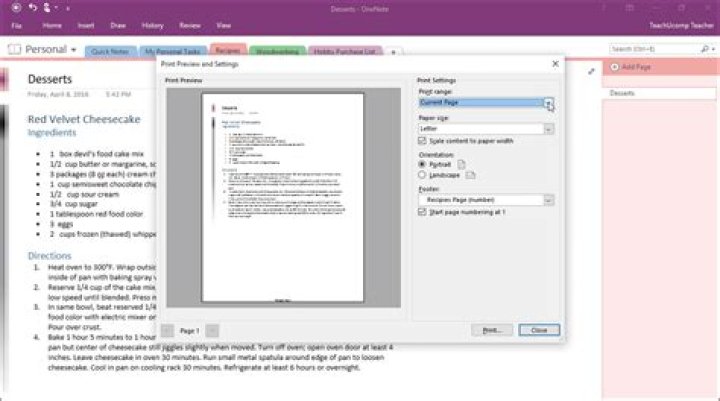

how do I print an entire notebook in One Note? I have not found any ability to do this and posting on the web seem to indicate it cannot be done. However one post said to save it as a PDF and then it can be printed but I can't figure out how to print as a PDF. Please help.
21 Answer
In OneNote 2013, notebooks can be exported in a variety of formats, including PDF. To do so, go to File > Export. Select what you want to export (Page, Section or Notebook). Then select the format, and click Export.
Several formats are available, including PDF. Depending on what you want to export, some formats may not be available but PDF always is.
For more details see this Office Support page




