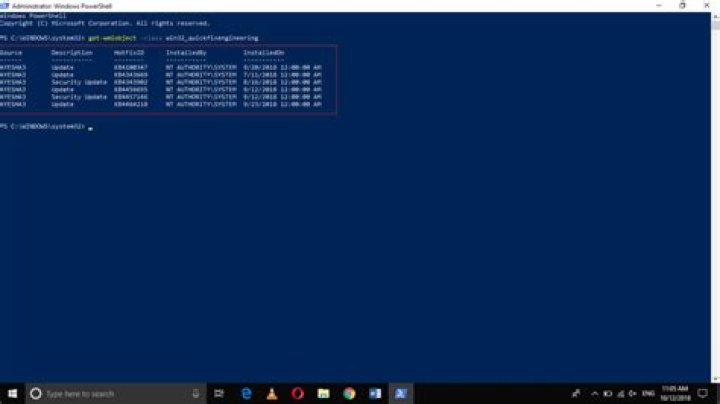

Get-Hotfix doesn't appear to be working on one of our Windows 10 1803 machines - it doesn't return any results, no errors either. It's the same with Get-CimInstance Win32_QuickFixEngineering | Select HotfixID and wmic qfe list. However, all updates - including the recent 2020-01 updates - are installed and appearing in Add/Remove Programs (our updates are pushed out via SCCM). So it's curious why Get-Hotfix isn't working on this system.
I suspected system component corruption, so I ran DISM /Online /Cleanup-Image /RestoreHealth /Source:X:\Windows /LimitAccess using a good source and that worked without any errors, rebooted, followed it up with an SFC /SCANNOW that found and fixed all detected corruptions and rebooted. Still broken. As a last resort, I rebuilt the WMI repository using the instructions here:
Unfortunately that didn't work either. Finally I decided to reset/re-register all the Windows Update components following this article: but that didn't do anything either.
I'm at a total loss now. Is there anything else I can try besides rebuilding the machine (which seems to be a bit overkill as everything else appears to be working normally). The system is at a remote location and on a low bandwidth link, so it isn't really a feasible to do a reinstall/swap.
FYI @harrymc and others: Why are "get-hotfix" and "wmic qfe list" in Powershell missing installed updates? does NOT answer my question. First of all, the problems are different - in OP's case the command at least lists some updates, but not in my case. Second, none of the "solutions" posted there are actual solutions, what I need to know is how do I fix the broken Windows Update / WMI component that's resulting in zero output by all the usual commands.
2 Reset to default