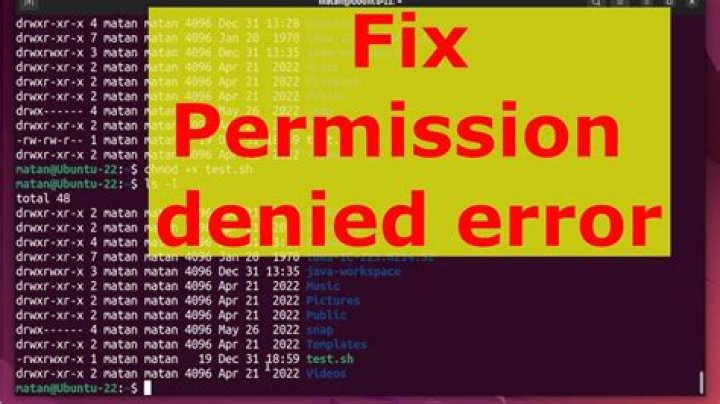

From the terminal, I tried to go to usr\local\bin under my user name login id, but I got the Permission denied. Same as ls command. Any suggestions?
Edit:
mac1:/ user1$ ls -la /usr/local total 0 drwxr-xr-x 5 root wheel 170 Feb 15 17:53 . drwxr-xr-x@ 12 root wheel 408 Jan 16 14:30 .. drwx------ 19 504 wheel 646 Feb 15 18:39 bin drwxrwxr-x 4 root admin 136 Dec 16 08:47 lib drwxr-xr-x 6 root wheel 204 Feb 15 17:53 share 2 Answers
In versions of OS X or macOS previous to High Sierra (10.13), you could just type:
sudo chown -R $(whoami) /usr/local This does not apply to macOS 10.13 or above, as System Integrity Protection will ensure the ownership of /usr/local cannot be changed.
Or if you want it specific to /usr/local/bin:
sudo chown -R $(whoami) /usr/local/bin Also, your permission modes are off—ideally /usr/local/bin should be accessible by others too:
sudo chmod -R u=rwX,go=rX /usr/local/bin I simply placed cd (change directory) in front of /usr/local/bin and it joshuafranklin@Joshuas-MBP bin % First time using mac to run python




