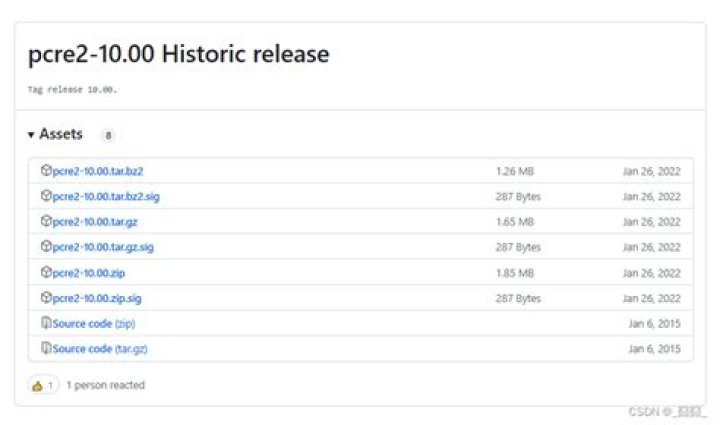

When I configure and make install PCRE2-10.00 and go to xymon-4.3.18 to configure I get the following:
Checking for PCRE ... test-pcre.c:1:18: fatal error: pcre.h: No such file or directory compilation terminated. make: *** [test-compile] Error 1 ERROR: Cannot compile using PCRE library. gcc: error: test-pcre.o: No such file or directory make: *** [test-link] Error 1 ERROR: Cannot link with PCRE library. Missing PCRE include- or library-files. These are REQUIRED for xymond PCRE can be found at If you have PCRE installed, use the "--pcreinclude DIR" and "--pcrelib DIR" options to configure to specify where they are. Don't know what to do. I was trying things but no success. Can some one help me or gives me advice?
1 Answer
You need to install the PCRE development files package:
sudo apt-get install libpcre3-dev If the build configuration script still doesn't find it (which I find unlikely, because the header files are placed in a standard location), use:
./configure --pcreinclude /usr/include