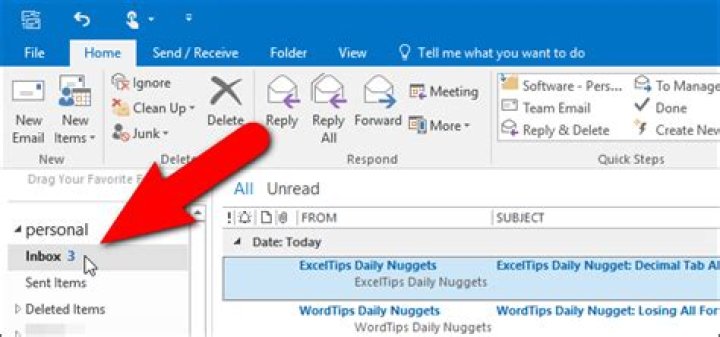
Using Outlook 365. I've set up a number of filters, in this example from customers and my boss. Mail from each category is being directed into a folder called "MyAdmin". The filters have been tested and work correctly.
The problem is that when the folder is collapsed, the number of unread messages is not displayed. Its only when the folder is expanded that you can see the number of unread messages, and then respond to them.
The image below demonstrates the problem.
On the left side, the "MyAdmin" folder is collapsed. No number is displayed to the right of "MyAdmin", so you do not know how many, or whether there are any, unread messages in the sub-folders. On the right side, the folder has been expanded. Now you can see that there is 1 unread message from my boss, and 1 from a customer, both of which I need to respond to.
What would be great is if the "MyAdmin" folder could show "2" unread messages next to it when collapsed (the sum of unread messages in all sub-folders). When expanded, the "2" should probably disappear and you'd see the number of unread messages next each sub-folder as now.
Is there a setting to do this already?
1 Answer
It couldn't be directly fulfilled, but as an alternative, we could create a search folder to count the unread items in your "MyAdmin" folder (including all subfolders).
Right-click Search folders > New Search Folder > Custom > Create a custom search folder > Choose. Type a Name and select Criteria > More Choices > Only items that are "Unread". Now select Browse, untick the top-level folder (for your email account), and select your "MyAdmin" folder and check "Search subfolders".
Note that in the image, the top-level folder should be unticked!

You could also add this folder to the Favorites list to make it obvious.
2



