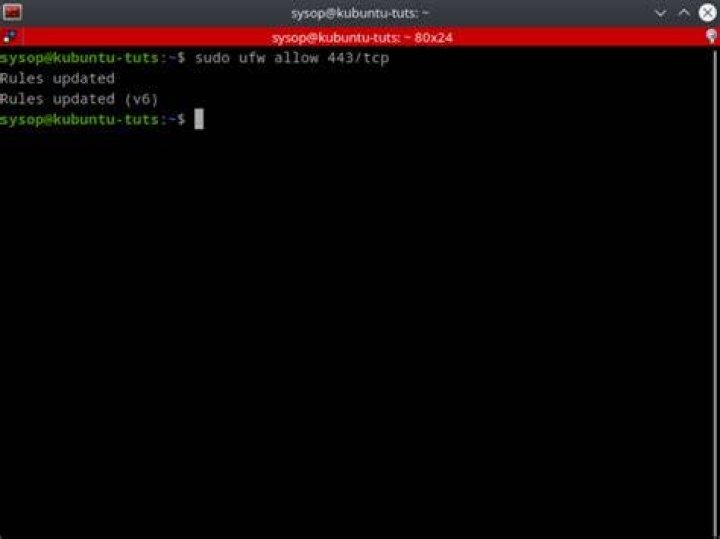

Although ufw status shows that port 443 is allowed, the netstat -tulpn shows nothing.
root@machine:/etc/nginx/sites-available# ufw status Status: active To Action From -- ------ ---- Apache Full ALLOW Anywhere 22/tcp ALLOW Anywhere 443/tcp ALLOW Anywhere Nginx HTTPS ALLOW Anywhere Apache Full (v6) ALLOW Anywhere (v6) 22/tcp (v6) ALLOW Anywhere (v6) 443/tcp (v6) ALLOW Anywhere (v6) Nginx HTTPS (v6) ALLOW Anywhere (v6) root@machine:/etc/nginx/sites-available# netstat -tulpn | grep 443 root@machine:/etc/nginx/sites-available# netstat -tulpn | grep 80 tcp 0 0 127.0.0.1:8001 0.0.0.0:* LISTEN 1518/python3.6 tcp 0 0 0.0.0.0:80 0.0.0.0:* LISTEN 29271/nginx: master Is that normal?
1 Answer
ufw is allowing incoming connection to "443" but nothing is listening on that port, that's why netstat does not show anything.
try running:
$ sudo nc -lu 127.0.0.1 443 now nc is listening on "443", then run:
$ netstat -lan | grep 127.0.0.1:443 udp 0 0 127.0.0.1:443 0.0.0.0:*