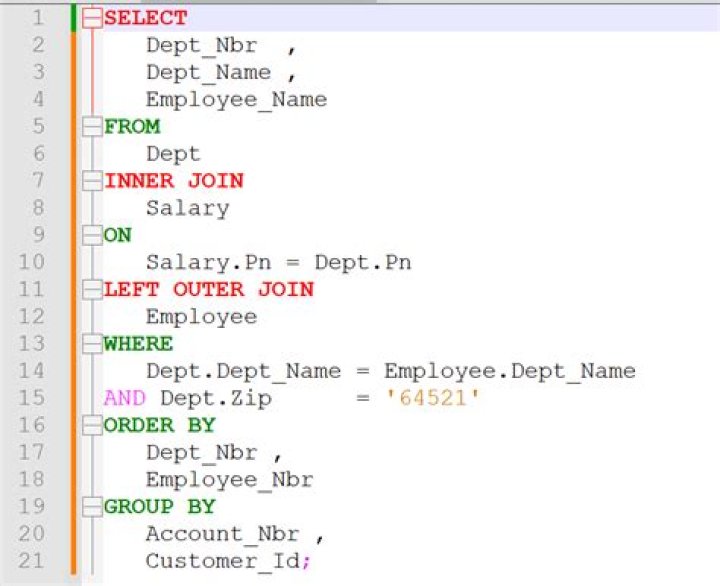
I am using Notepadd++ plugin sqlinform for SQL formatting from
It works fine but has nasty orange background after formatting

Is this some glitch?
Update: The issue is fixed by the author of the plugin. Please use the latest version.
2 Answers
@PAS, I had the same issue. I found the fix on SQLinForm's forum. It's a new feature called "Display Change History". Settings -> Preferences -> Margins/Border/Edge -> Checkbox in the center column at the bottom.
Hope this helps!
The issue is now fixed with Release 6.23.2. SQLinForm now respects the change history column from N++. The new Release is available for Download from here:




