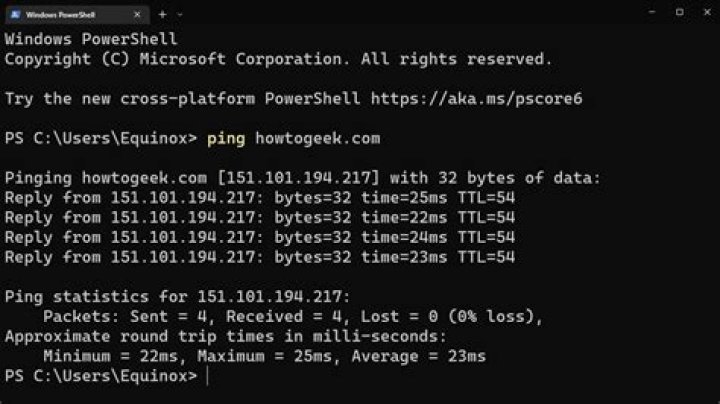

My internet was working fine, but one day it stopped working at all (I am using ethernet connection). It just says 'No internet'. I can ping and ping 8.8.8.8. but when I launch the browser none of the websites works.
I am using Windows 10.
The cable is fine, I tried different ones and no effect.
What I have already tried:
When
ipconfig /alland for Ethernet adapter Ethernet it prints all the information. For all others (LAN, wifi) it saysMedia state..............: Media disconnected.I run Network adapter troubleshooter and it reset the adapter. That didn't help either.
Could you please help me with it?
PS: I also cannot browse through WI-FI, even though when I use wifi it doesn't say 'No internet' - just 'Connected, secured'.
122 Answers
My internet was working fine, but one day it stopped working at all
Try completely reinitialising all network states.
Run the following commands in an elevated cmd shell:
Reset WINSOCK entries to installation defaults (reboot required):
netsh winsock reset catalogReset TCP/IP stack to installation defaults:
netsh int ip reset reset.logReset Firewall to installation defaults:
netsh advfirewall resetFlush DNS resolver cache:
ipconfig /flushdnsRenew DNS client registration and refresh DHCP leases:
ipconfig /registerdnsFlush routing table (reboot required):
route /f
If you see:
nslookup google.com *** Request to UnKnown timed-out DNS request timed out. timeout was 2 seconds. Then set DNS servers to:
8.8.8.8 8.8.4.4 



