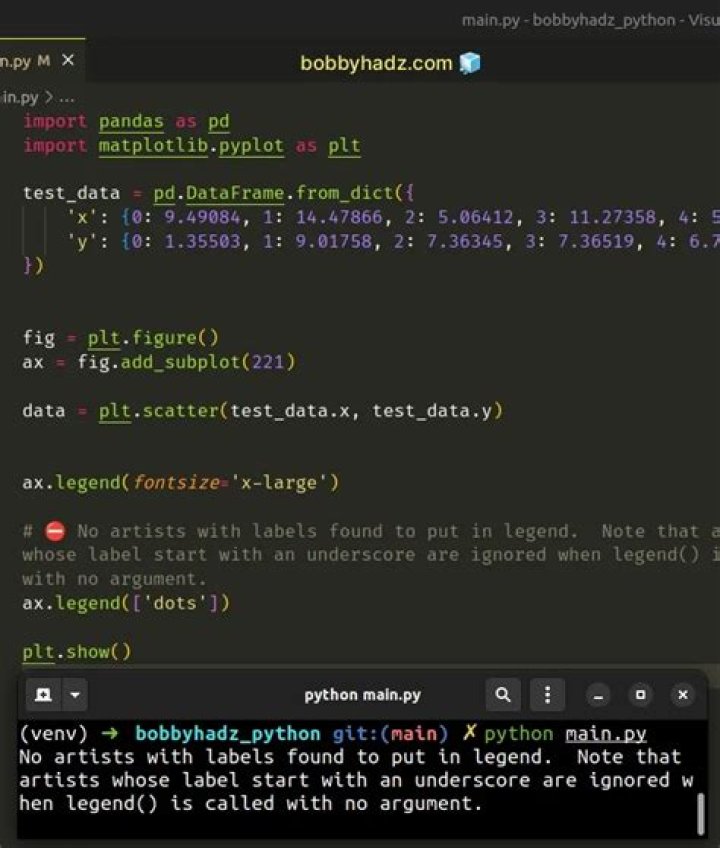

I want to make my legend size bigger in Pyplot. I used this answer to do that. Here is my code.
import matplotlib.pyplot as plt import seaborn as sns sns.set_style("whitegrid") plt.rcParams['figure.figsize'] = [15, 7] lst = [1,2,3,4,5,6,7,8,9,8,7,6,5,4,3,4,5,6] plt.plot(lst) plt.legend(fontsize="x-large") # Here I make it bigger but doesn't work plt.legend(["This is my legend"]) plt.ylabel('some numbers') plt.show() I get this error and I don't know what is wrong. I don't understand what "Artist" means here.
No artists with labels found to put in legend. Note that artists whose label start with an underscore are ignored when legend() is called with no argument.
1 Answer
"Artist" is a term from matplotlib:
Presumably the error message means that there are no items in the legend whose font size can be changed.
Maybe pass the fontsize argument to the same plt.legend call in which you create the legend, or call plt.legend(fontsize=...) after you have created the legend.