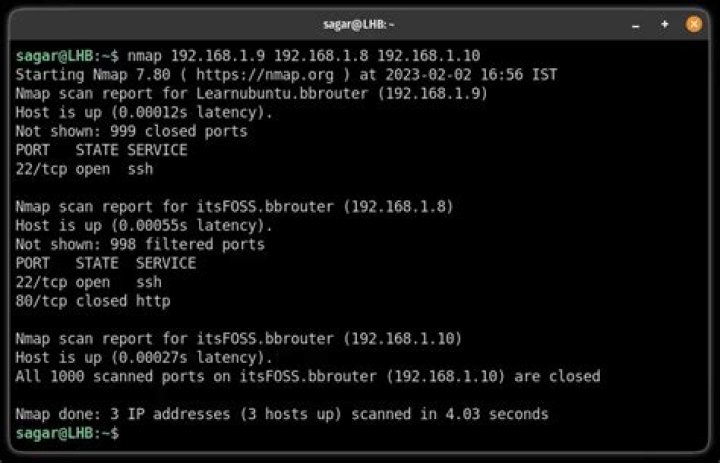

Is there an nmap line that will auto-detect my current IP address and subnet mask, and run a ping-scan on all? For example:
#> nmap -sP 0.0.0.0 Instead of manually:
#> nmap -sP 192.168.100.0/24 3 Answers
I don't think that there is a way with doing that with nmap alone, but you could script it: Here is a quick and dirty solution:
#!/bin/bash IP_AND_MASK=`ifconfig | grep "inet addr" | head -n1 | sed 's|.*addr:\([0-9\.]*\).*Mask:\([0-9\.]*\)|\1/\2|g'` NETWORK=`ipcalc "$IP_AND_MASK" | grep "Network:" | sed 's|^Network:\s*\([0-9/\.]*\).*|\1|g'` nmap -sP "$NETWORK" You have to install ipcalc to make that solution work.
hth
Mileage may vary, but this should work well in most circumstances...
nmap -sP `hostname -I | sed 's/[0-9]\+\s/0\/24 /g'` This works, but then you still need to know your own subnet... saves copy-pasting the IP address though.
nmap -sP /24 



